
Reset Password
Please refer to the documentation of your operating system for instructions on how to reset the current password for any user using their email address or username.
Windows
- Open the command prompt and navigate to the admin utility location.
cd C:\BoldServices\utilities\adminutils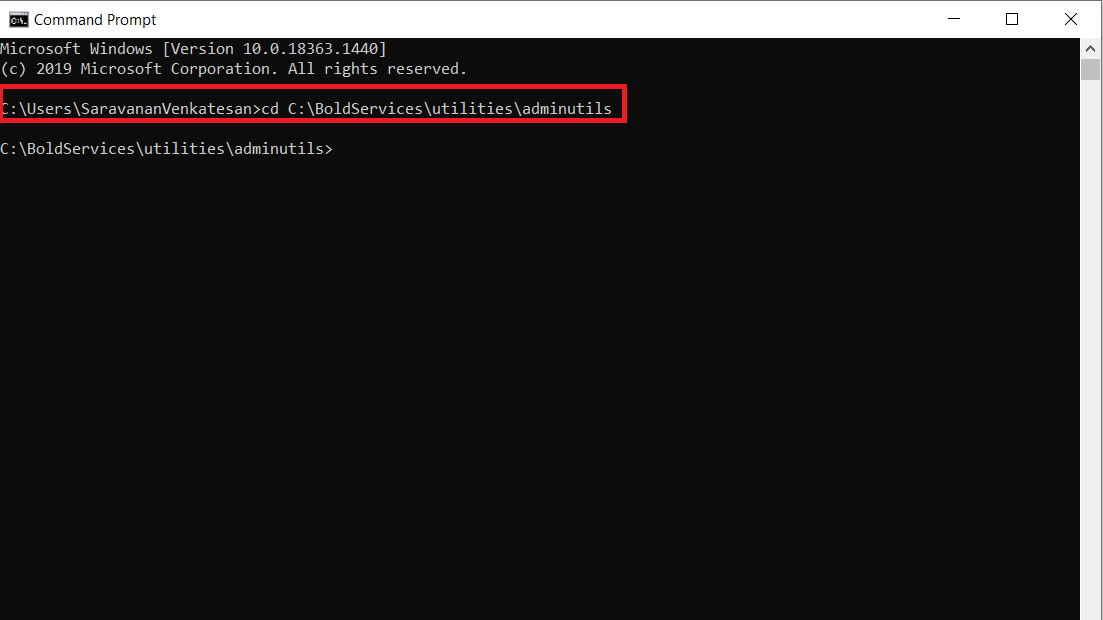
- After changing the directory, please run the following command to reset the password:
Syncfusion.Server.Commands.Utility.exe reset -u 'user email or username here' -p 'new password here'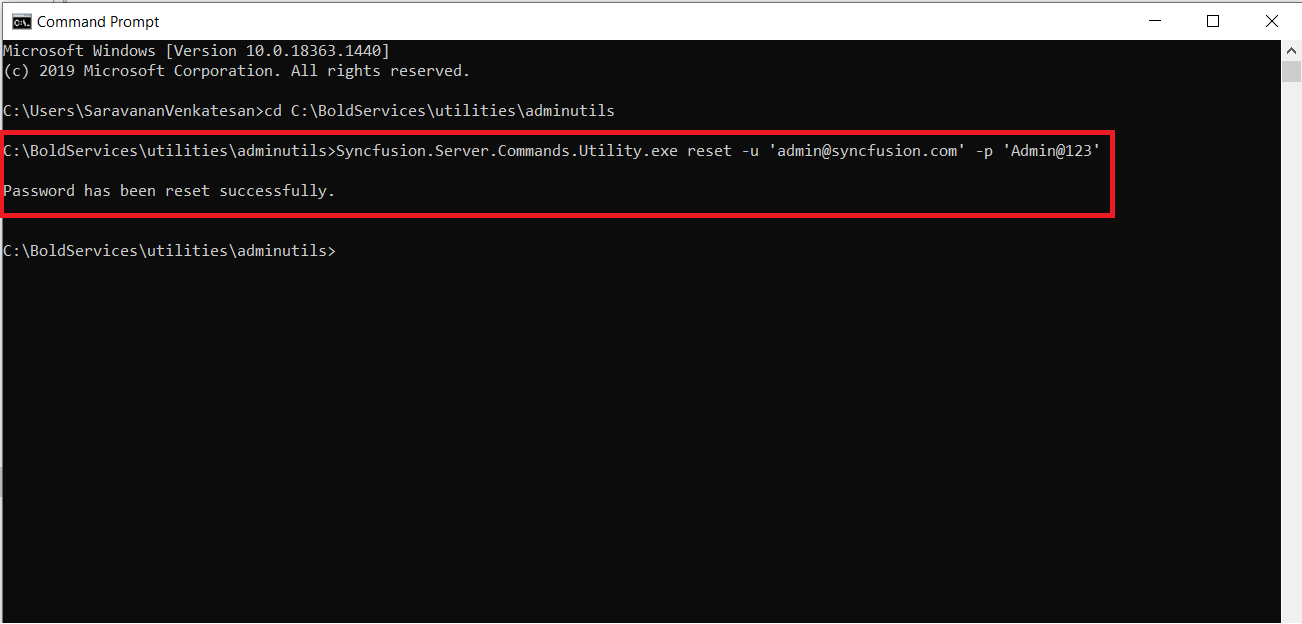
- Once the password has been successfully reset, the user can log in with the updated password.
Linux
- Change the directory to the admin utility location.
cd /var/www/bold-services/application/utilities/adminutils/
- After changing the directory, please run the following command to reset the password:
../../../dotnet/dotnet Syncfusion.Server.Commands.Utility.dll reset -u 'user email or username here' -p 'new password here'
- Once the password has been reset successfully, the user can log in with the updated password.
Docker
Single image
- Open the command prompt and Bash the container, then change the directory to the admin utility location.
docker exec -it <Container ID or Container name>cd /application/utilities/adminutils/
- After changing the directory, run the following command to reset the password:
dotnet Syncfusion.Server.Commands.Utility.dll reset -u 'user email or username here' -p 'new password here' 
- Once the password has been updated successfully, then restart the application by using the below command:
docker restart <container ID or container name>Multi container Image
- Open the command prompt and Bash the id_web_container container then change the directory to the admin utility location.
docker exec -it <Container ID or Container name>cd /application/utilities/adminutils/
- After changing the directory, run the following command to reset the password:
dotnet Syncfusion.Server.Commands.Utility.dll reset -u 'user email or username here' -p 'new password here'
- Once the password has been updated successfully, then restart all containers by using the below command:
docker ps docker restart <container ID or container name>Note: Restart all seven containers using the above command one by one from the container name or ID.