Merging Historical Records Using Bold Data Hub
In this article, we will demonstrate how to import tables from a CSV file, merge historical data through transformations, and move the cleaned data into the destination database using Bold Data Hub. Follow the step-by-step process below.
Sample Data Source:
Creating Pipeline
Learn about Pipeline Creation
Applying Transformation
-
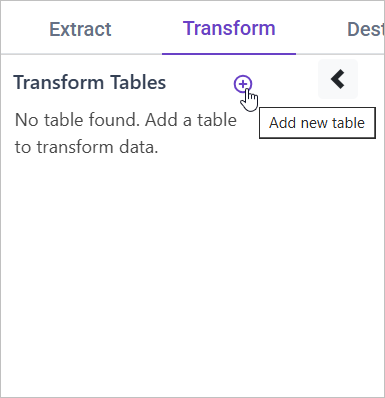
Go to the Transform tab and click Add Table.
-
Enter the table name to create a transform table for customer satisfaction summary.
Note: The data will initially be transferred to the DuckDB database within the designated {pipeline_name} schema before undergoing transformation for integration into the target databases. As an illustration, in the case of a pipeline named “customer_service_data”, the data will be relocated to the customer_service_data table schema.
Learn more about transformation here
Merging Historical Data
Overview
Creating a long-term service history for customers allows for better understanding of their past issues, service trends, and overall engagement. This helps in improving personalized support and predicting future needs.
Approach
We aggregate historical ticket data per customer to compute:
- Total Tickets → Number of tickets submitted
- Previous Issue Categories → Unique ticket categories the customer has raised
- Last Ticket Date → The most recent ticket creation date
- Customer Lifetime Value → Total spend on support tickets
- Repeat Issue Flag → Identifies if the customer has raised the same issue multiple times
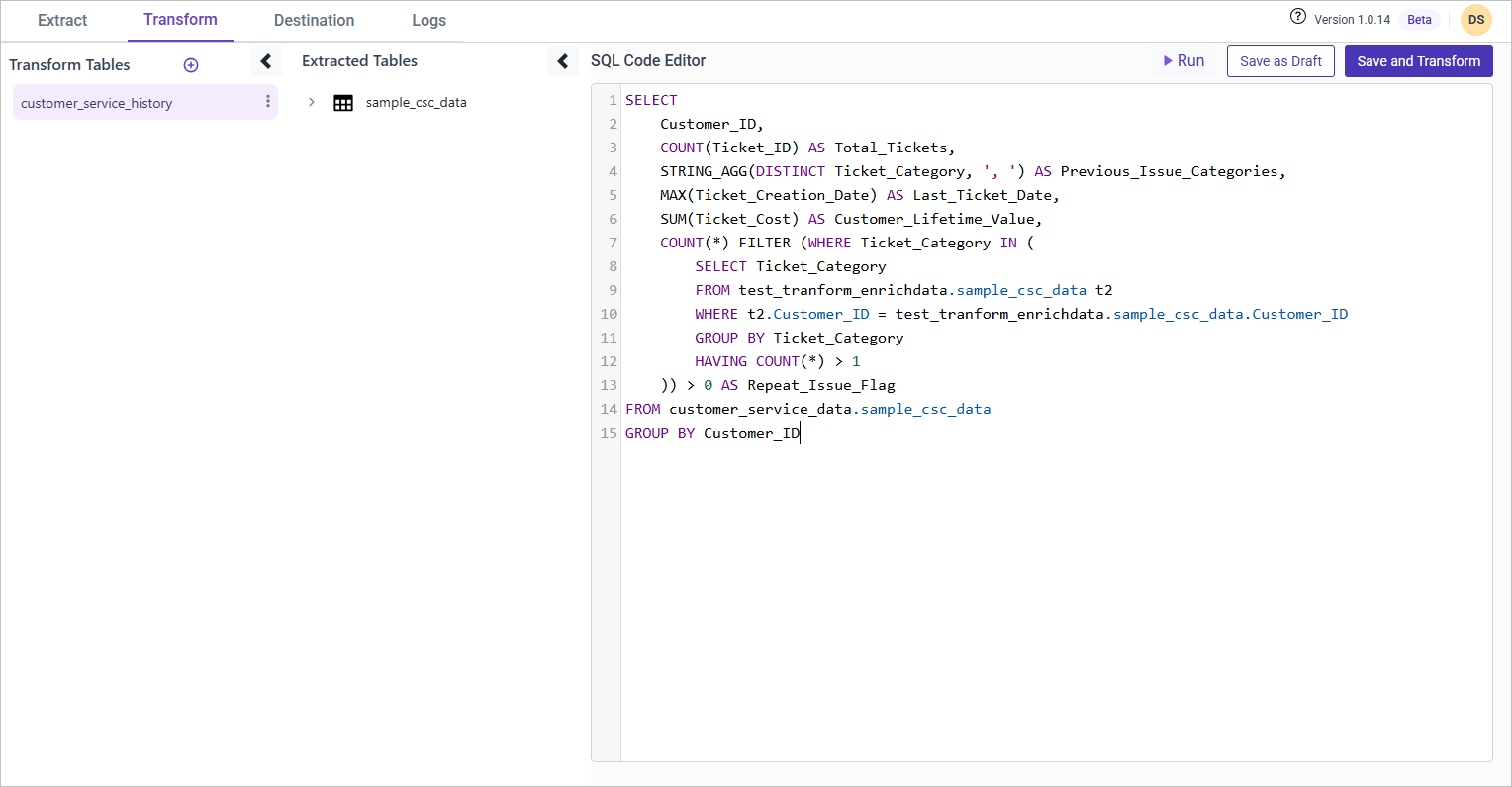
SQL Query for Merging Historical Data
SELECT
    Customer_ID,
    COUNT(Ticket_ID) AS Total_Tickets,
    STRING_AGG(DISTINCT Ticket_Category, ', ') AS Previous_Issue_Categories,
    MAX(Ticket_Creation_Date) AS Last_Ticket_Date,
    SUM(Ticket_Cost) AS Customer_Lifetime_Value,
    COUNT(*) FILTER (WHERE Ticket_Category IN (
        SELECT Ticket_Category
        FROM {pipeline_name}.sample_csc_data t2
        WHERE t2.Customer_ID = {pipeline_name}.sample_csc_data.Customer_ID
        GROUP BY Ticket_Category
        HAVING COUNT(*) > 1
    )) > 0 AS Repeat_Issue_Flag
FROM {pipeline_name}.sample_csc_data
GROUP BY Customer_ID;