Geolocation Lookup and Transforming Data Using Bold Data Hub
In this article, we will demonstrate how to import tables from a CSV file, perform geolocation lookup through transformations, and move the cleaned data into the destination database using Bold Data Hub. Follow the step-by-step process below.
Sample Data Source:
Sample Customers Data Geo Lookup
Creating Pipeline
Learn about Pipeline Creation
Applying Transformation
-
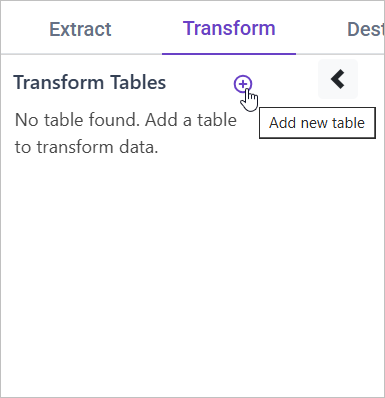
Go to the Transform tab and click Add Table.
-
Enter the table name to create a transform table for customer satisfaction summary.
Note: The data will initially be transferred to the DuckDB database within the designated {pipeline_name} schema before undergoing transformation for integration into the target databases. As an illustration, in the case of a pipeline named “customer_service_data”, the data will be relocated to the customer_service_data table schema.
Learn more about transformation here
Geolocation Lookup
Overview
Enhancing customer data with geographic details using IP addresses or zip codes helps in location-based analysis, fraud detection, and personalized customer experiences.
Approach
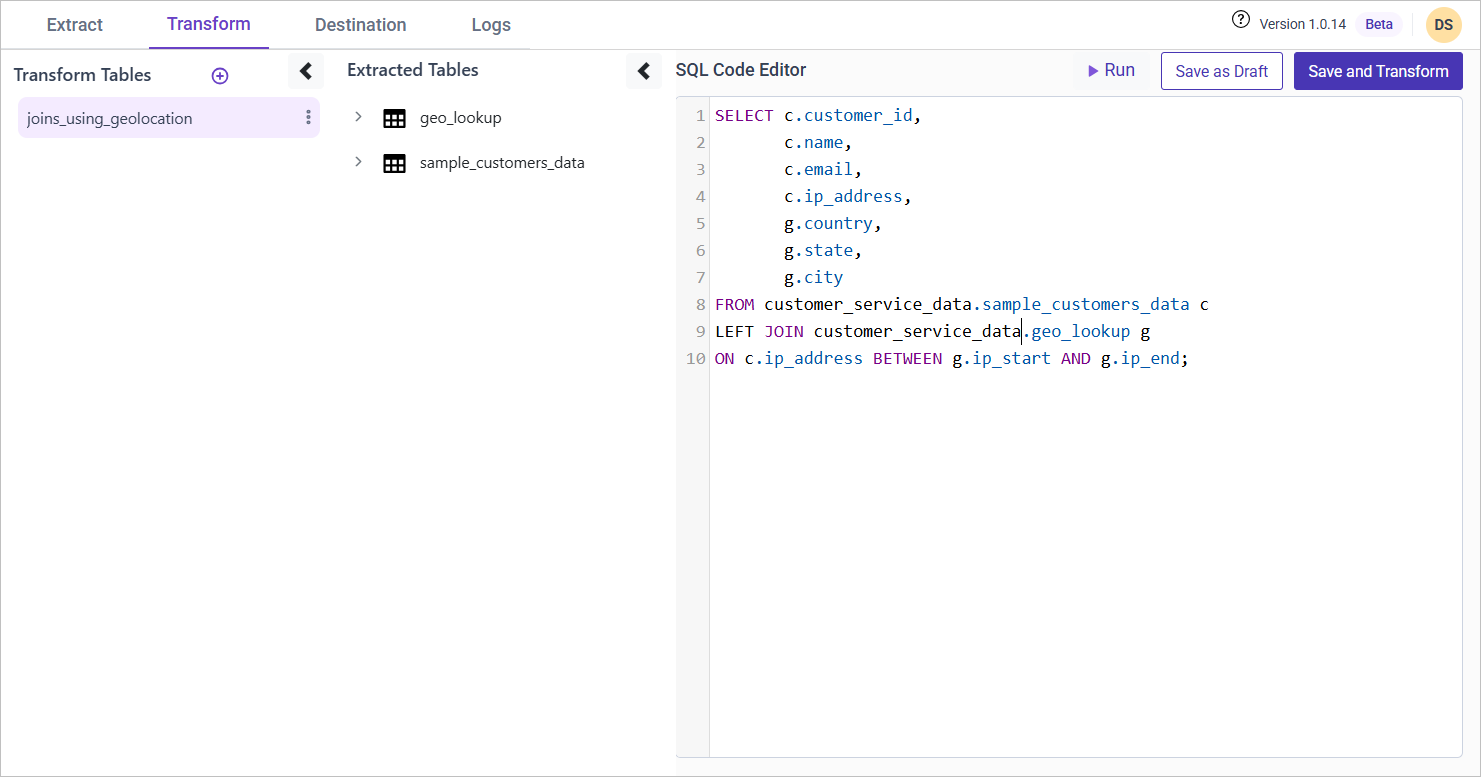
We use a LEFT JOIN to match customer IP addresses against a geolocation lookup table. The BETWEEN condition ensures that the IP falls within a known IP range.
SQL Query for Geolocation Lookup
SELECT
    c.customer_id,
    c.name,
    c.email,
    c.ip_address,
    g.country,
    g.state,
    g.city
FROM {pipeline_name}.sample_customers_data c
LEFT JOIN {pipeline_name}.geo_lookup g
ON c.ip_address BETWEEN g.ip_start AND g.ip_end;