
Flatten the nested data and Transforming Data Using Bold Data Hub
In this article, we will demonstrate how to import tables from a CSV file, flatten the nested data using transformations, and move the cleaned data into the destination database using Bold Data Hub. Follow the step-by-step process below.
Sample Data Source:
Creating Pipeline
Learn about Pipeline Creation
Applying Transformation
-
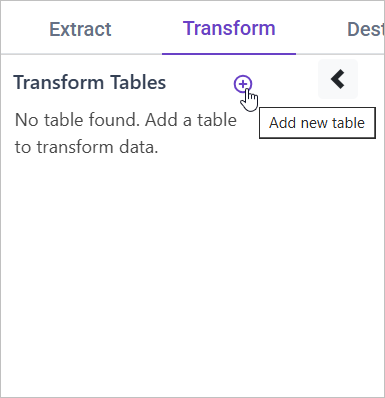
Go to the Transform tab and click Add Table.
-
Enter the table name to create a transform table for customer satisfaction summary.
Note: The data will initially be transferred to the DuckDB database within the designated {pipeline_name} schema before undergoing transformation for integration into the target databases. As an illustration, in the case of a pipeline named “customer_service_data”, the data will be relocated to the customer_service_data table schema.
Learn more about transformation here
Flattening Nested Data
Overview
Nested data structures, such as JSON, can be difficult to analyze directly in SQL because they do not fit neatly into a table format. Flattening these structures converts them into a more accessible table format, making it easier to query and analyze the data.
Approach
We can flatten the nested data by extracting the relevant fields from the JSON structure into separate columns. For example, we can extract values like customer information, ticket details, or support issues into their own columns for easier analysis.
SQL Query for Flattening Nested Data
SELECT
    title,
    author,
    json_extract(metadata, '$.description') AS description,
    CAST(json_extract(metadata, '$.price') AS DECIMAL) AS price,
    UNNEST(json_extract(metadata, '$.ages')::int[]) AS age
FROM {pipeline_name}.books;