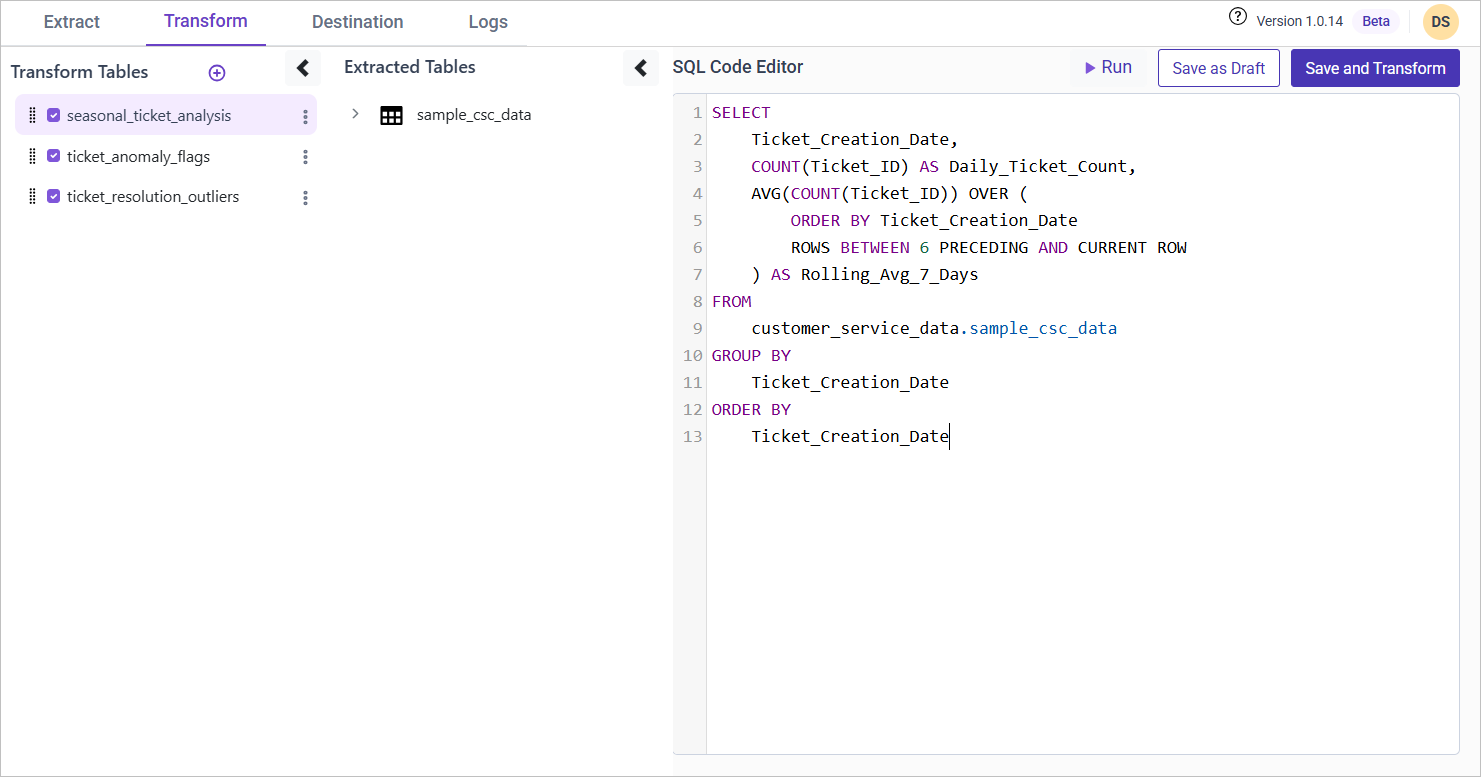
Data Smoothing and Transforming Data Using Bold Data Hub
In this article, we will demonstrate how to import tables from a CSV file, smooth data through transformations, and move the cleaned data into the destination database using Bold Data Hub. Follow the step-by-step process below.
Sample Data Source:
Sample CSC Data
Creating Pipeline
Learn about Pipeline Creation
Applying Transformation
-
Go to the Transform tab and click Add Table.
-
Enter the table name to create a transform table for customer satisfaction summary.
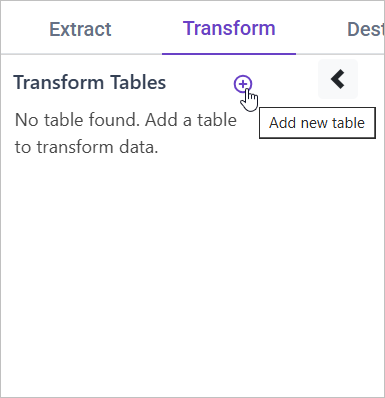
Note: The data will initially be transferred to the DuckDB database within the designated {pipeline_name} schema before undergoing transformation for integration into the target databases. As an illustration, in the case of a pipeline named “customer_service_data”, the data will be relocated to the customer_service_data table schema.
Learn more about transformation here
Data Smoothing
Overview
Ticket volumes may exhibit seasonal spikes, making it difficult to analyze long-term trends. By applying rolling averages, we can smooth fluctuations and gain clearer insights into underlying patterns.
Approach
We use a rolling average to normalize ticket resolution data and detect anomalies. If an agent’s resolution time significantly exceeds the average (by more than 2 standard deviations), it is flagged as an anomaly.
SQL Query for Data Smoothing
WITH Agent_Resolution AS (
    SELECT
        Agent_ID,
        Agent_Name,
        COUNT(Ticket_ID) AS Resolved_Tickets,
        AVG(Resolution_Time) AS Avg_Resolution_Time,
        STDDEV(Resolution_Time) AS Std_Dev_Resolution
    FROM {pipeline_name}.sample_csc_data
    WHERE Ticket_Status = 'Resolved' AND Resolution_Time IS NOT NULL
    GROUP BY Agent_ID, Agent_Name
)
SELECT
    t.Ticket_ID,
    t.Agent_ID,
    t.Agent_Name,
    t.Resolution_Time,
    CASE
        WHEN t.Resolution_Time > (a.Avg_Resolution_Time + 2 * a.Std_Dev_Resolution)
        THEN 'Anomaly'
        ELSE 'Normal'
    END AS Resolution_Anomaly
FROM {pipeline_name}.sample_csc_data t
JOIN Agent_Resolution a ON t.Agent_ID = a.Agent_ID
WHERE t.Ticket_Status = 'Resolved';