
How to create a custom theme using variables for dashboards
You can customize your dashboard in BoldBI using the provided variables to create a custom theme. Follow these steps:
-
Download the default
lightanddarkfiles from the Github repository and extract them. -
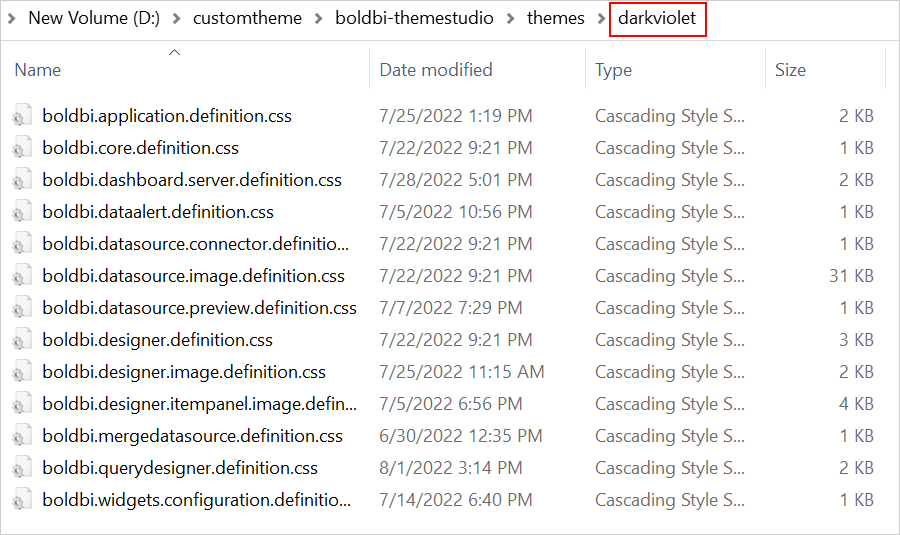
Copy all
CSSfiles from thelightfolder inside thethemesfolder and paste them into a newly created folder. For example, create a new folder calleddarkviolet.
- Open the
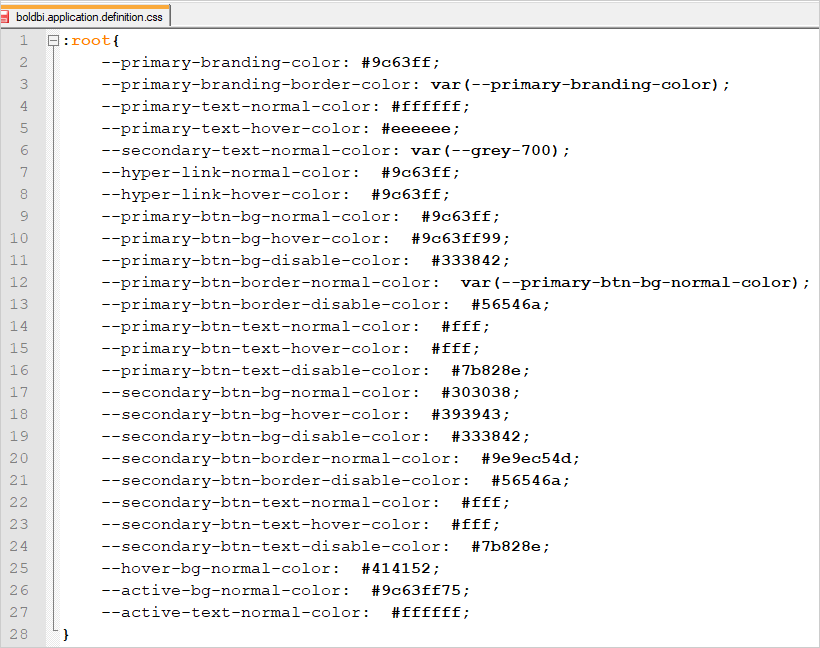
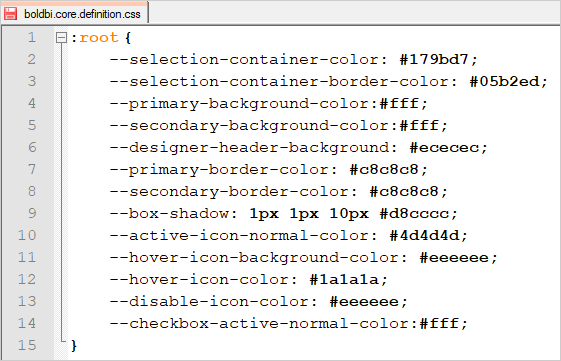
boldbi.application.definition.cssandboldbi.core.definition.cssfiles in aneditorand customize the color code in the provided variables.
- Follow the steps outlined in the
README.mdon the Github repository to generateboldbi.theme.definition.min.css.
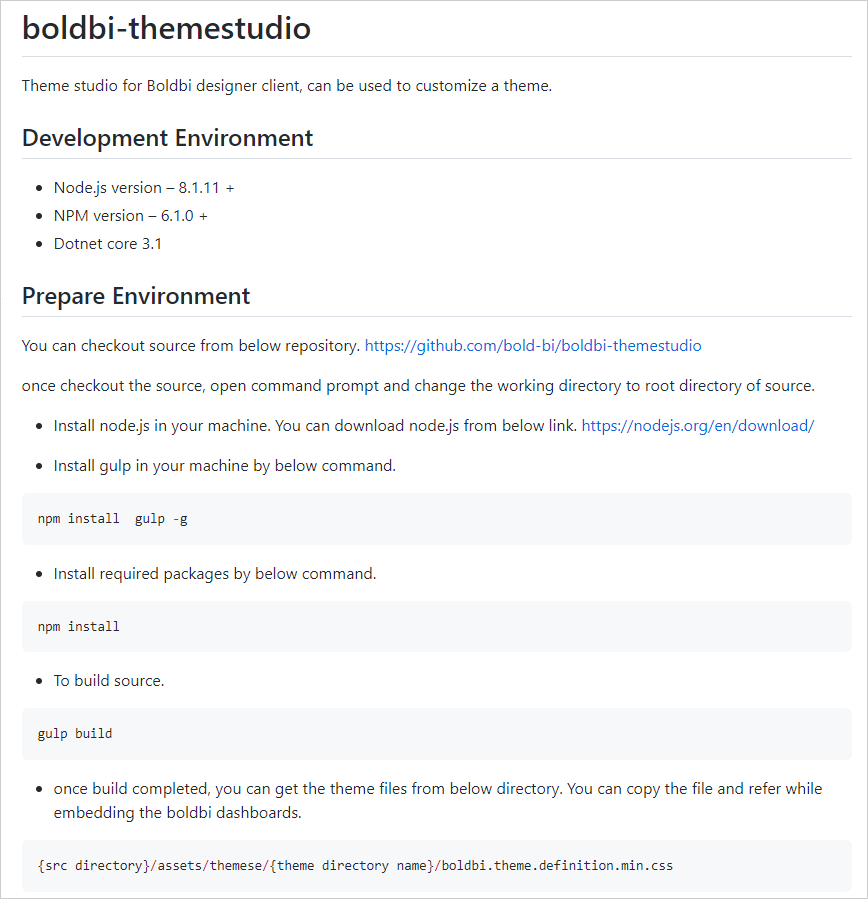
- After running the command from the
README.mdfile, you can find the theme files in the directory{src directory}/assets/theme/{theme directory name}/boldbi.theme.definition.min.css.