
Default views for the dashboard
The dashboard can have multiple views, and if a specific view needs to be rendered by default, it can be achieved using the default views option.
Steps to set the default view for the dashboard
The dashboard view can be set as the default view in two ways:
The following section explains how default views are managed by the administrator and how to remove default views for the dashboard in Bold BI.
Administrator control over default view
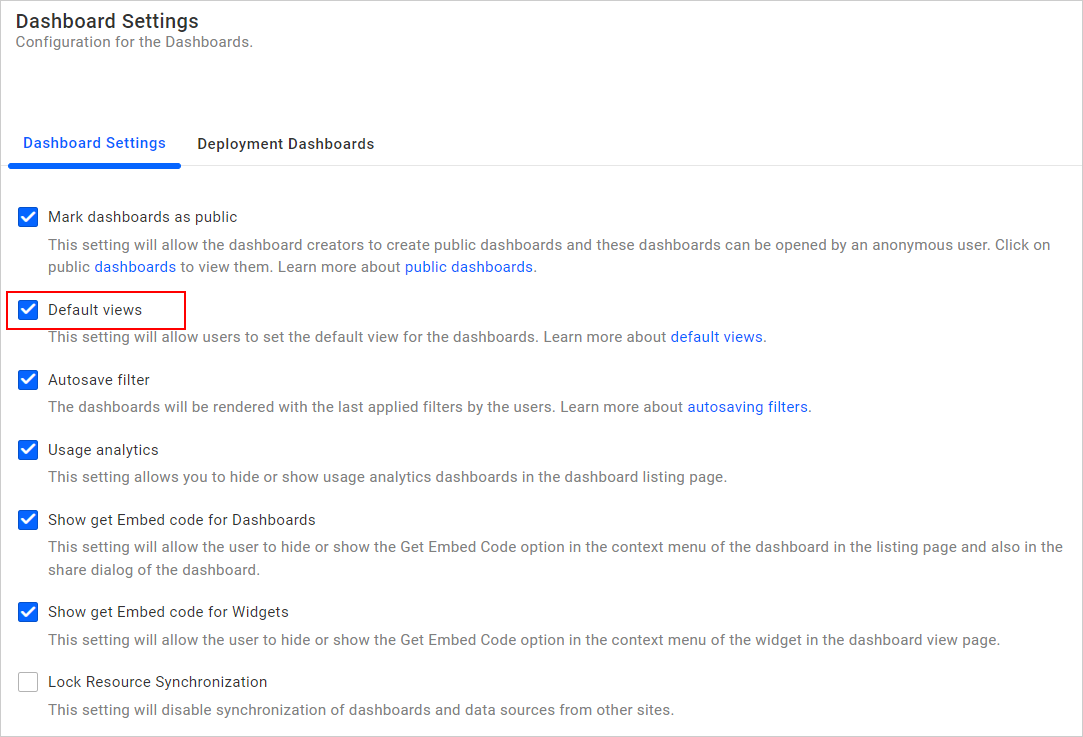
If the administrator has enabled Default views in the Dashboard Settings page, then the user can set the default views for the dashboard either while saving the dashboard views or from the dashboard views listing panel.
Learn how to remove the default views for the dashboard here.