Font Style
By default, the Bold BI application will load the text using the Robotoregular font style. With this option, you can change the font style of the Bold BI application.
Add font
To add a new font, please follow the steps below:
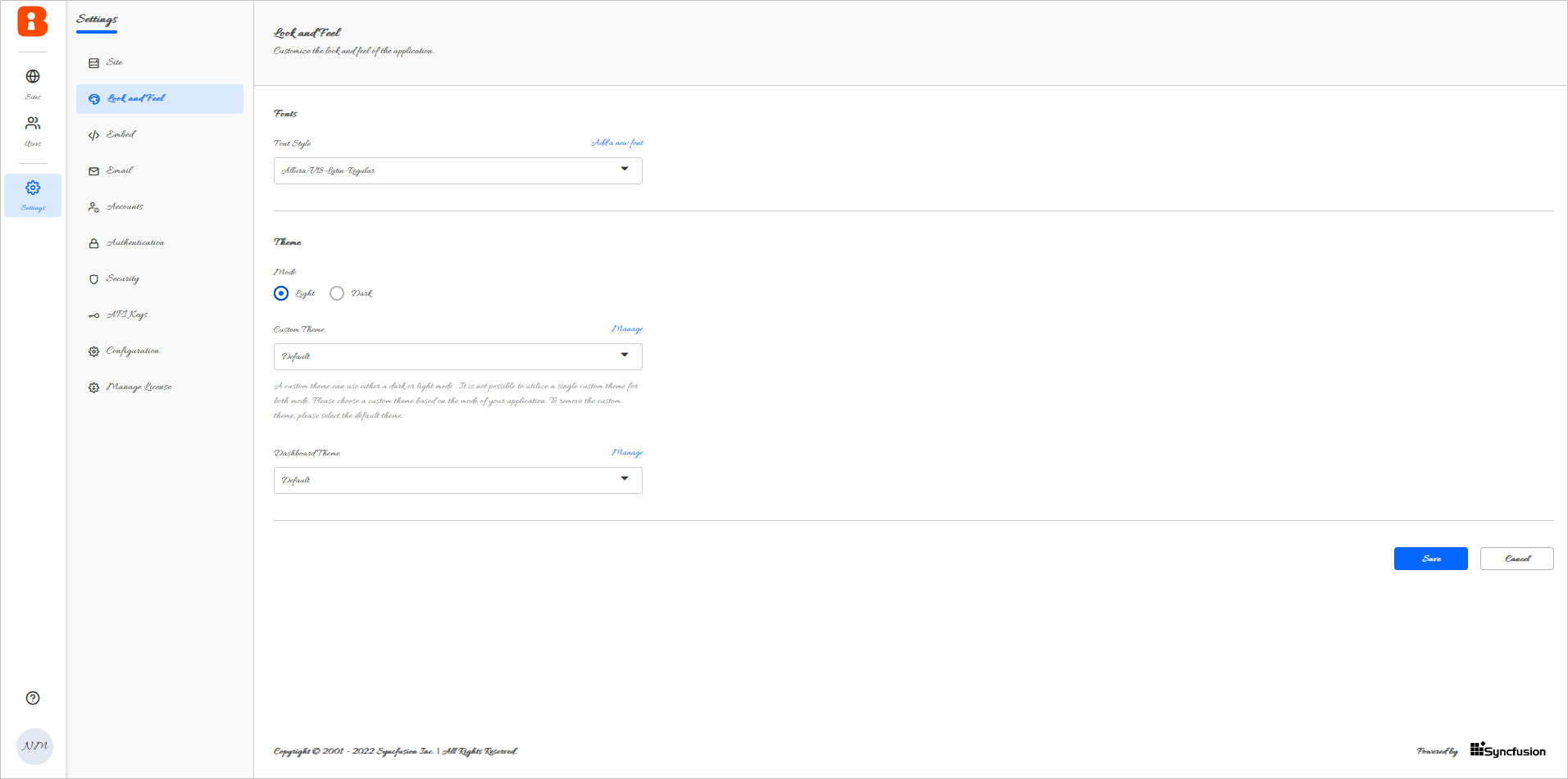
Go to the Look and Feel settings page and click on the Add a new font option.
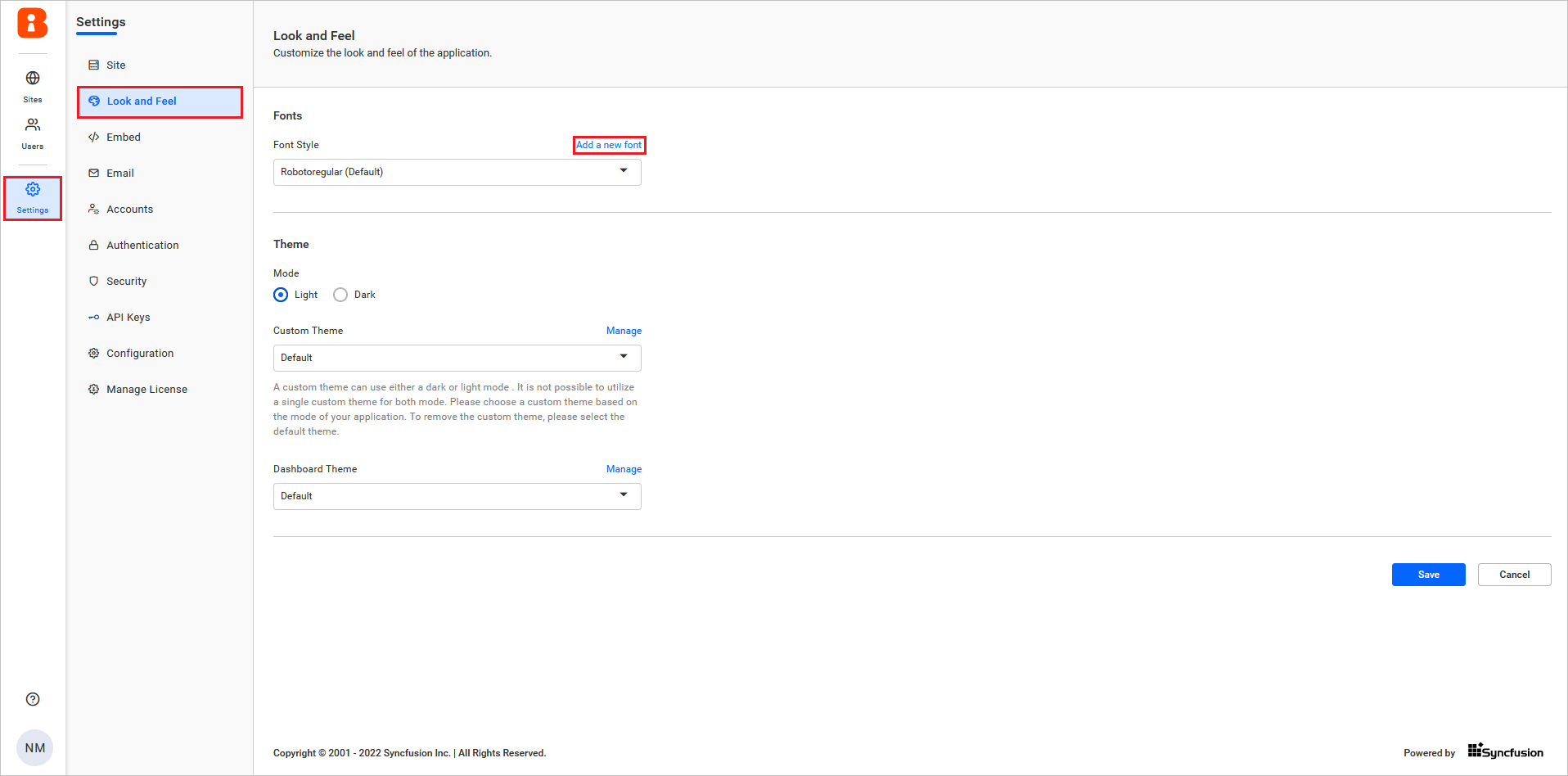
Browse the font file and click Upload in the dialog.
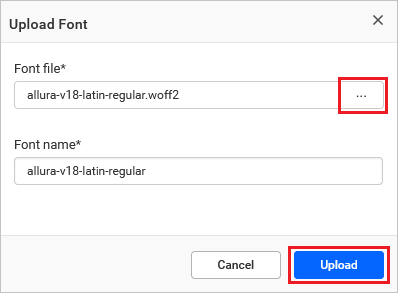
The uploaded font file will be listed in the Font Style drop-down. Select the uploaded font and save the settings.
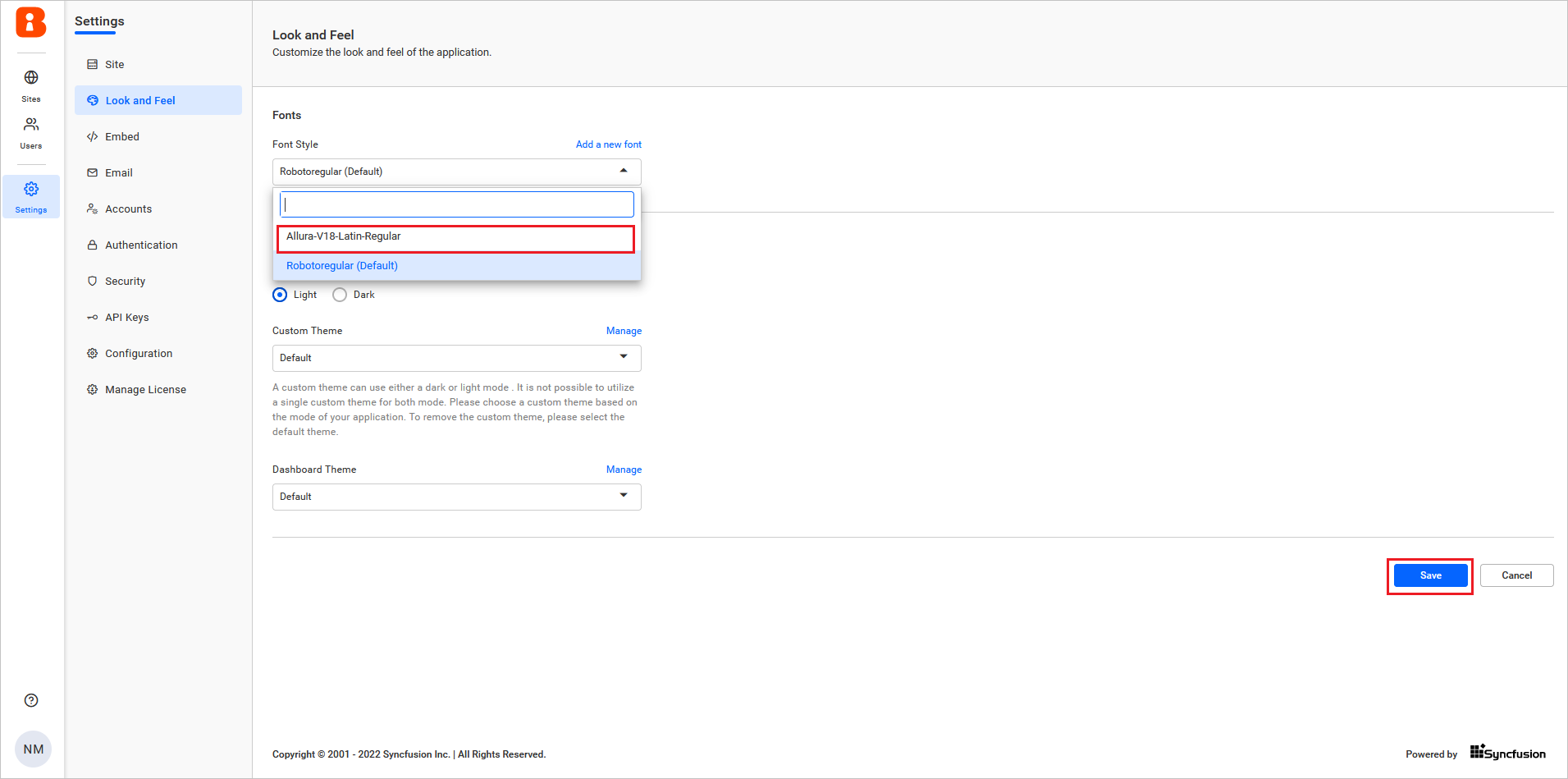
Here is a sample image after applying the font.