
To Pin Widgets from Dashboard
This section explains how to pin widgets to Pinboard in the Bold BI application.
Steps to pin Widget to Pinboard
-
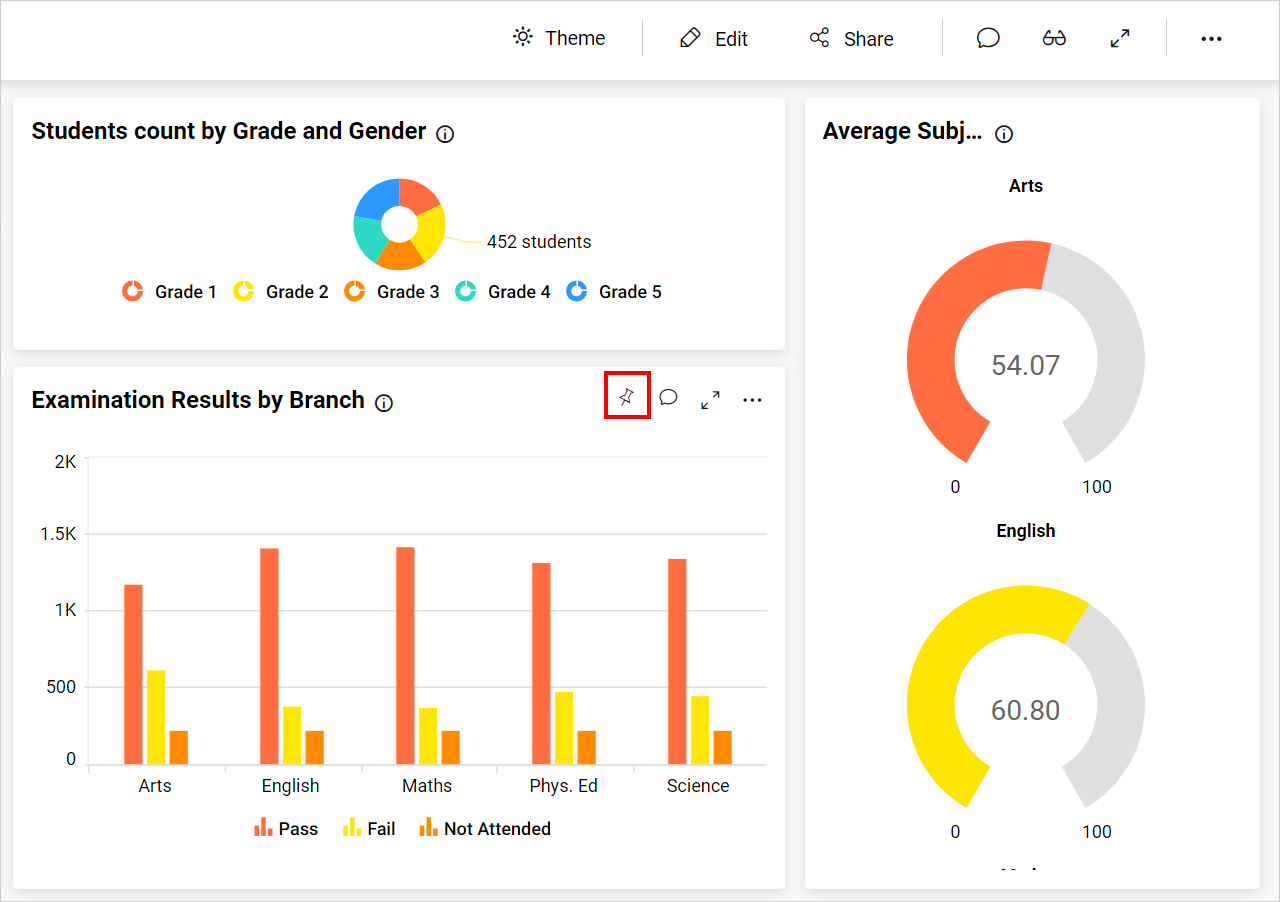
A widget can be pinned to the Pinboard by clicking the pin icon on the specific widget.
-
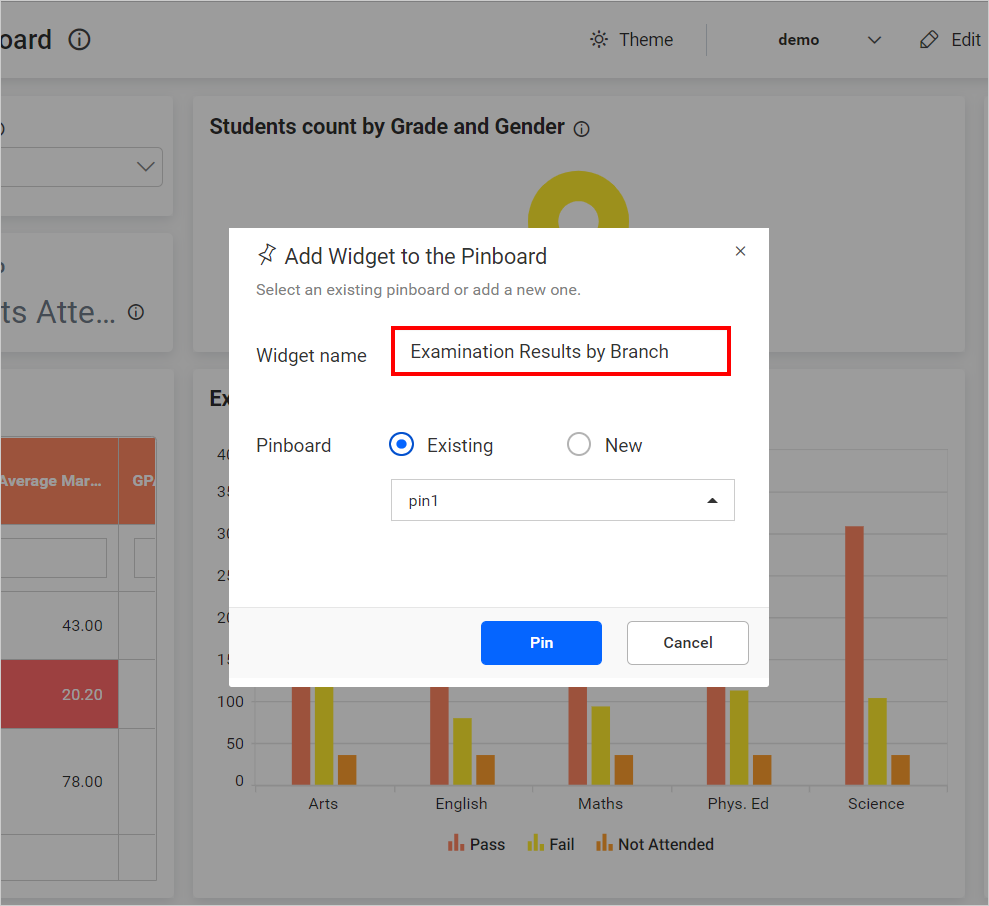
The widget name field can automatically be filled with the selected widget name, or the user can rename it.
-
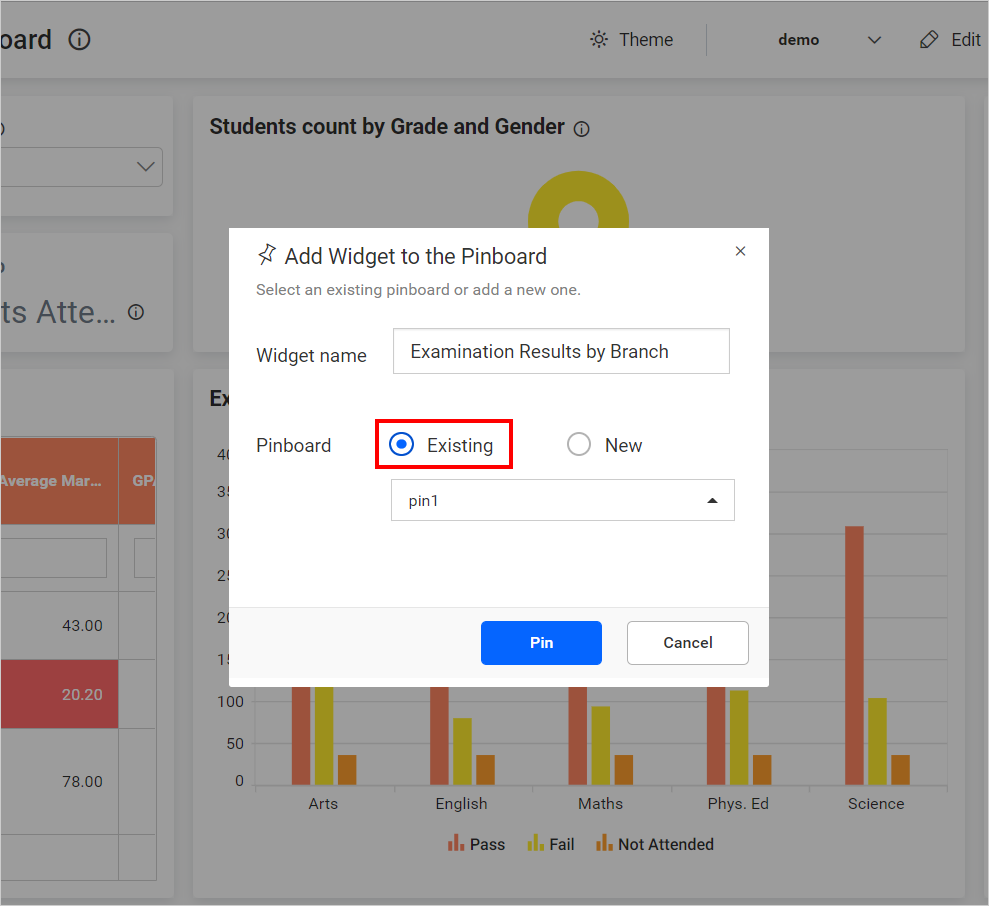
A widget can be pinned either to an
ExistingPinboard or aNewPinboard.- Clicking on
ExistingPinboard will list the available Pinboards that have already been saved by the user.
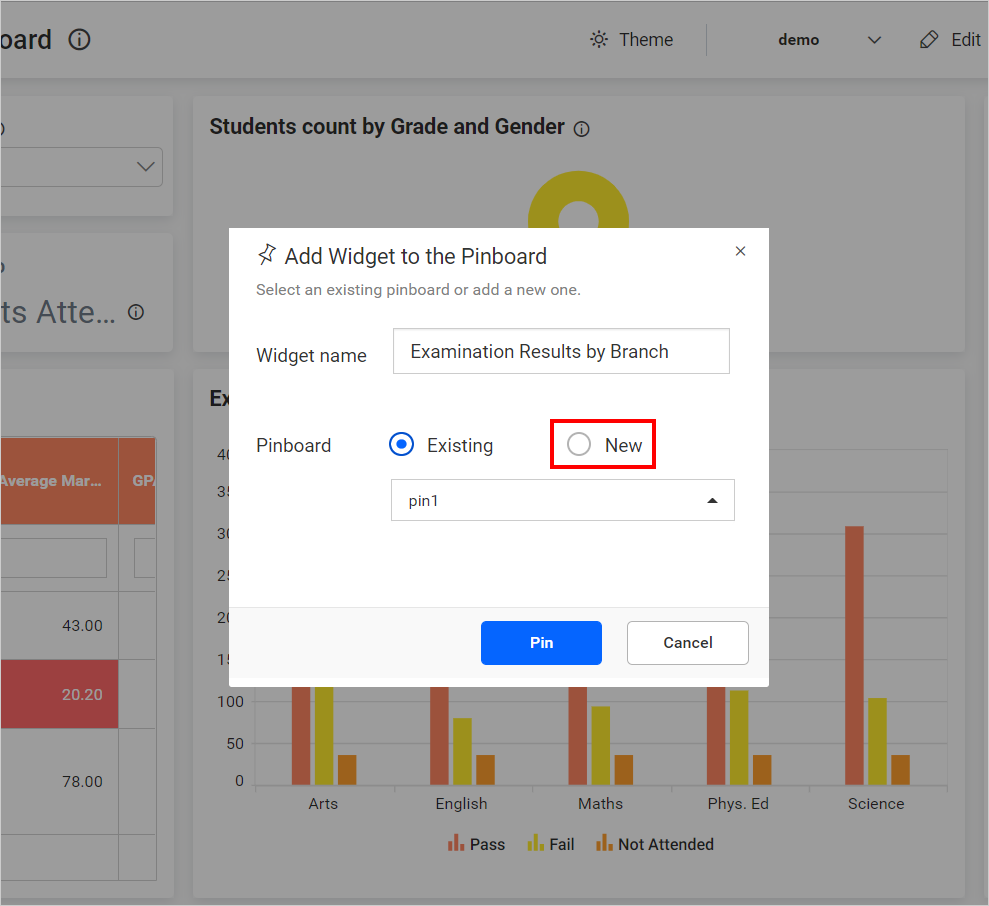
- Enter the new Pinboard name for pinning to the
NewPinboard.
- Clicking on
-
Click
Pin, and it will pin the specific widget to the Pinboard.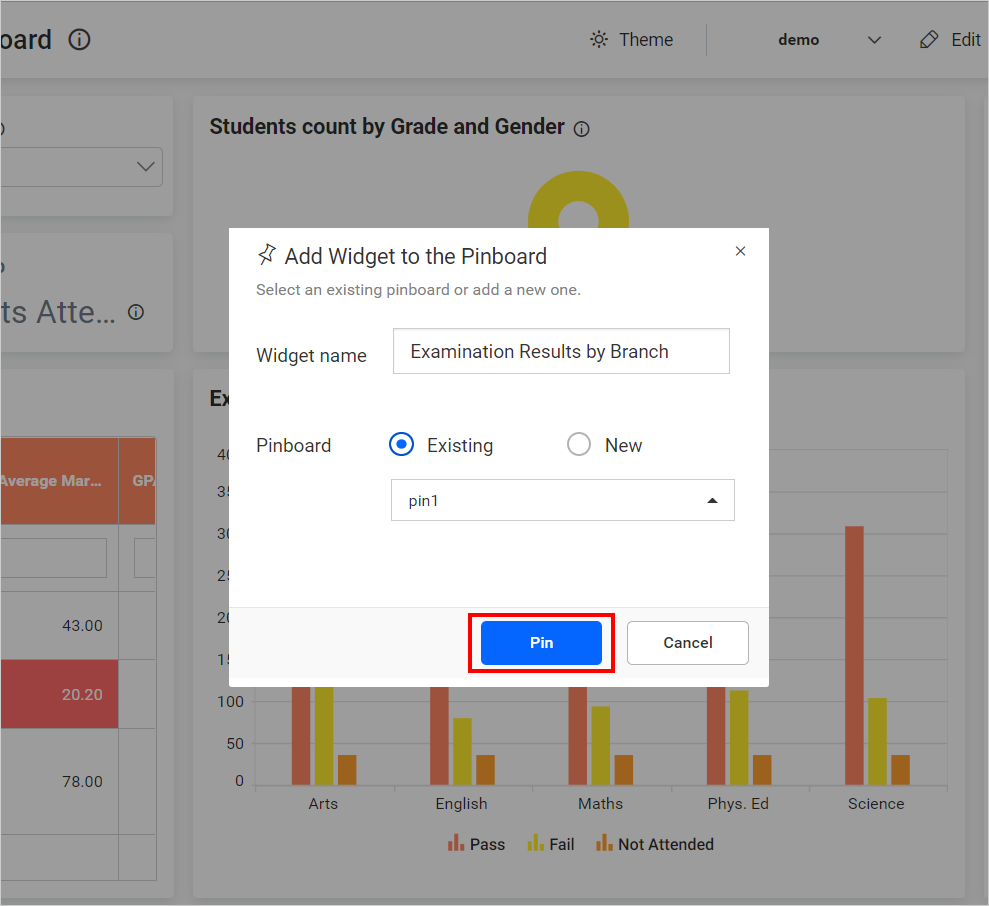
NOTE: Widgets in the Pinboards will have the context of the dashboard, including the user filters and dashboard parameters.