Go to Dependent Dashboard Page
This section explains how to navigate the dependent dashboard for a specific widget from Pinboard in the Bold BI application.
Steps to navigate dependent dashboard from the Pinboard
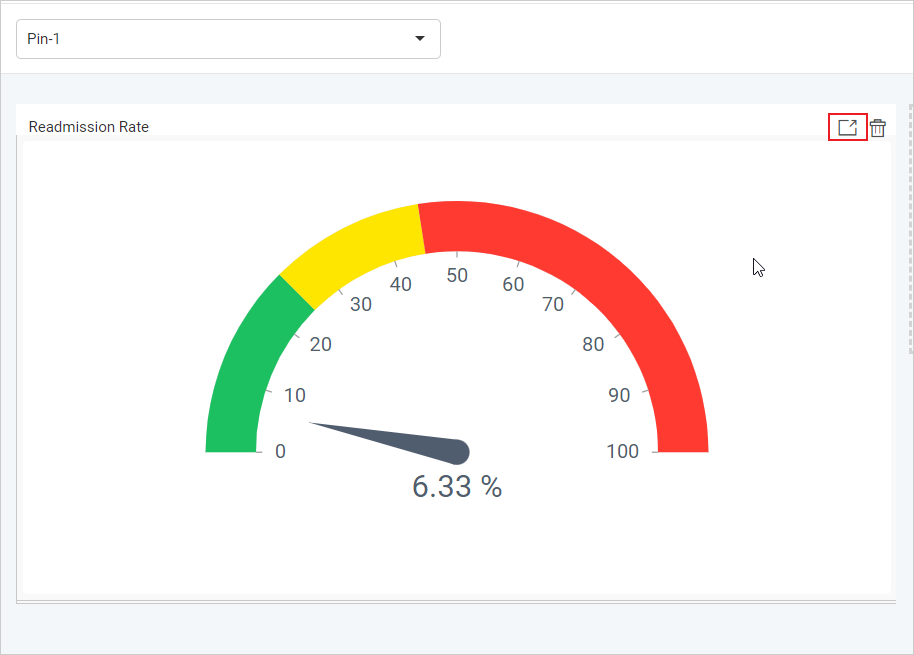
Hover the mouse over the specific widget. It will show the Go to Dashboard icon in the top right of the section. Clicking this icon will open the respective dashboard in a new tab.