
How to Delete a Pinboard
This section explains how to delete a Pinboard from the Bold BI application.
Steps to delete a Pinboard
-
Click on the
Deleteoption from thegearicon menu as shown in the following image.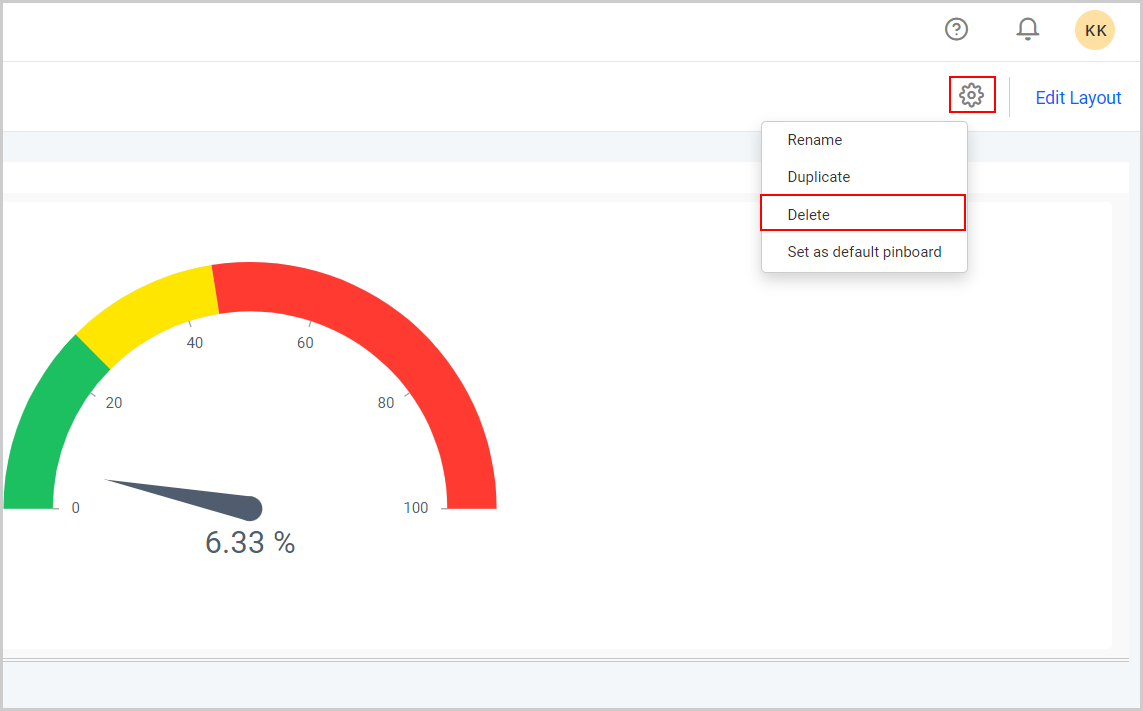
-
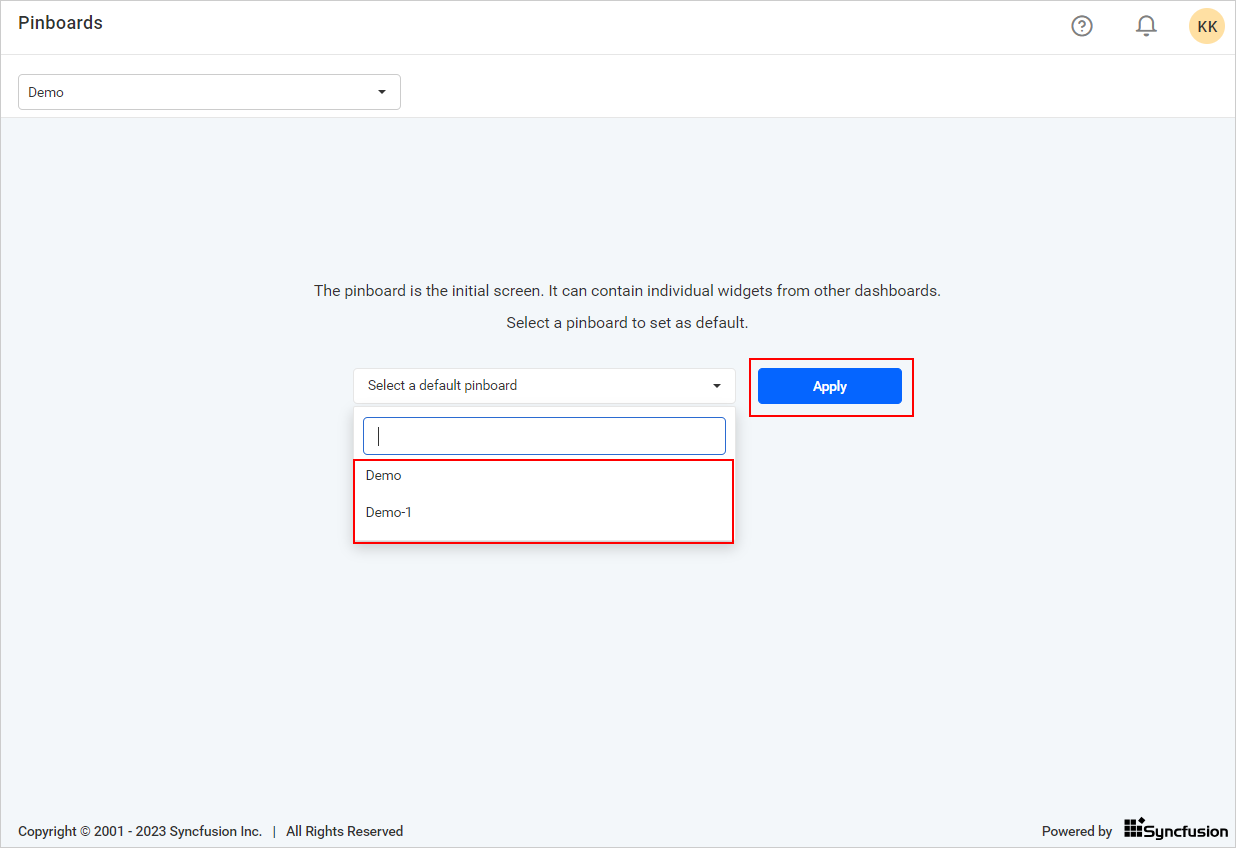
If you delete a default Pinboard, you will be navigated to the Pinboard homepage. After that, you will need to set a new Pinboard as default.
-
If it is not a default Pinboard, it will load as the default Pinboard.