Share Dashboards
This section explains how to share dashboards with other users in Bold BI.
Steps to share a Dashboard
-
Click the
Share Permissionsoption in the Dashboards grid context menu.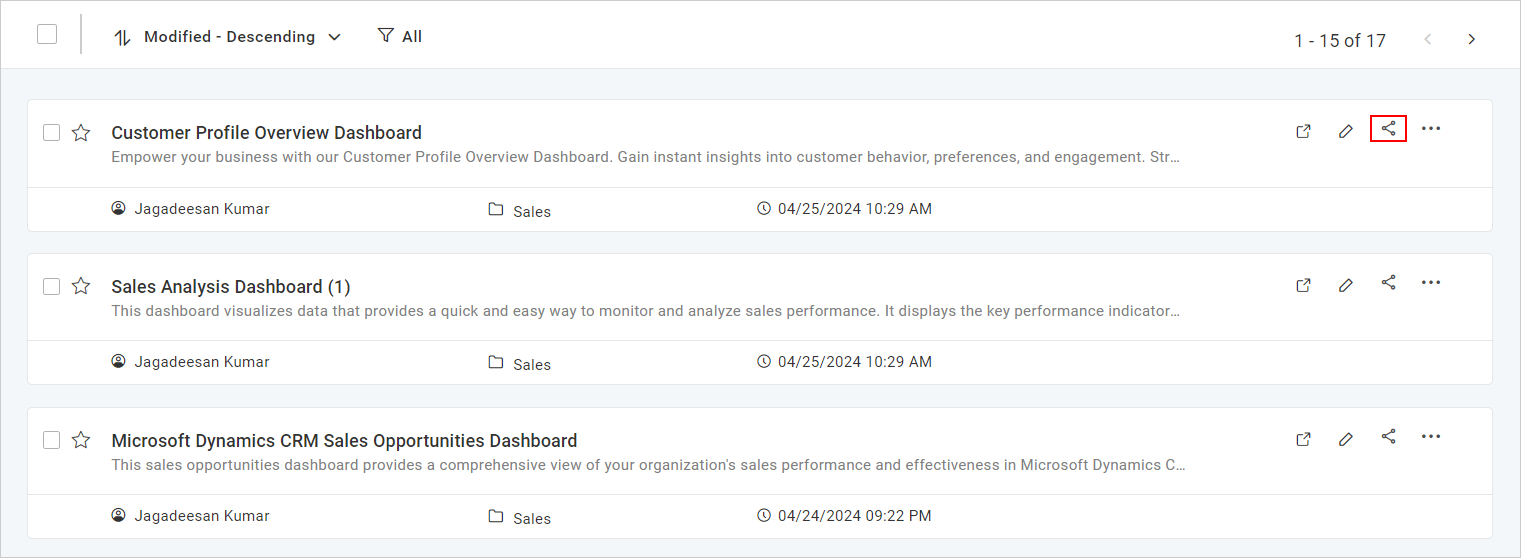
-
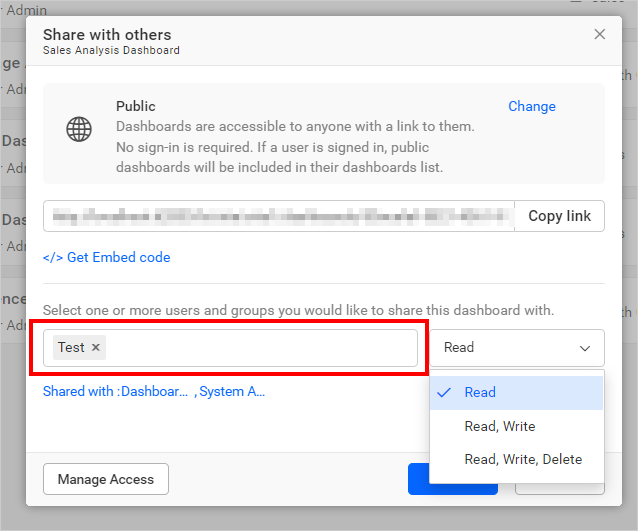
Select the permission access and search for the users or groups in the search box to share the dashboard.
-
After selecting the required access for users or groups, click
Share.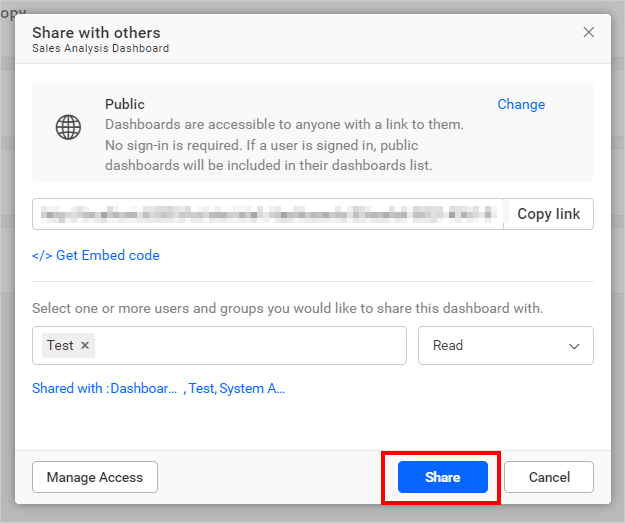
NOTE: Only the user who created the dashboard and the Administrator can share the dashboard with other Bold BI users.
Remove Permission
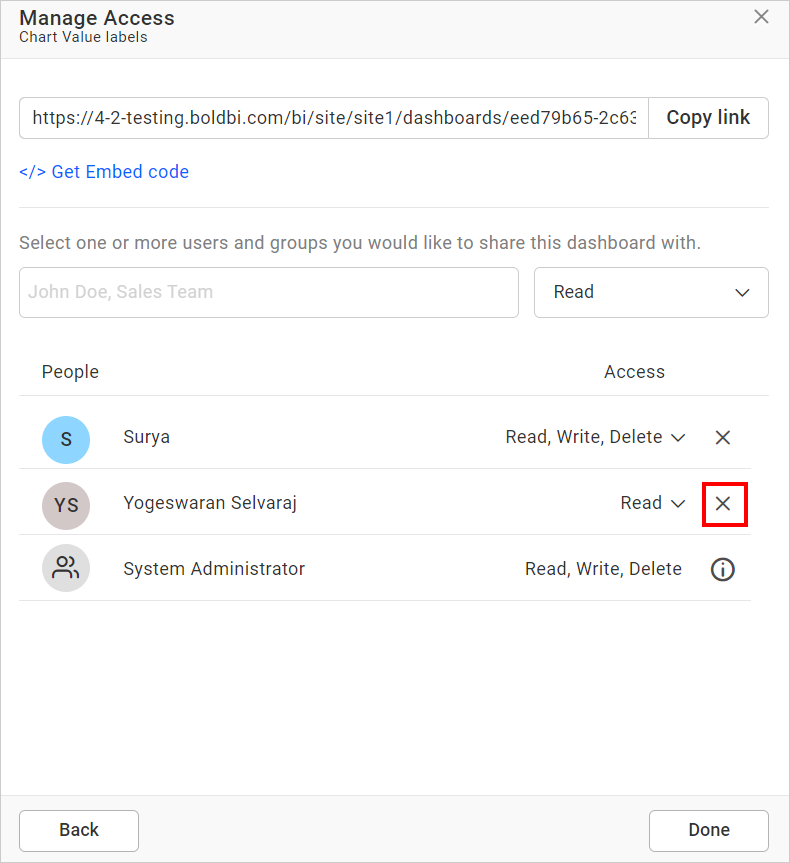
The user who created the dashboard and the Administrator can remove the shared dashboard permissions using the Remove option in the Actions column of each permission.
-
Click the
Manage Accessbutton.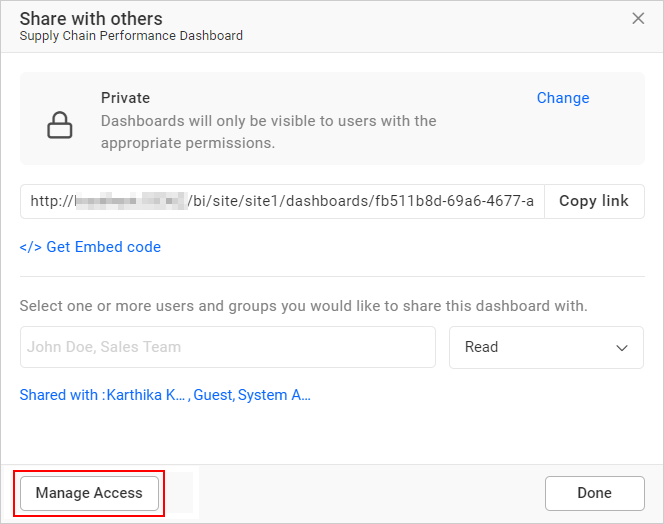
-
Click the remove icon to remove access from the user or group.