
Embed Dashboard Designer in Create Mode
This guide explains how to embed the Bold BI dashboard designer in create mode into a web application using an iframe for seamless integration.
Steps to Embed the Dashboard in Create Mode
1. Prepare the Embed URL
To create a new dashboard, use the dashboard designer URL with the isembed=true parameter.
URL: http://localhost:51777/bi/site/site1/dashboard-designer?isembed=true
2. Embed the URL in Your Web Application
Add the URL to your web application’s HTML using an iframe tag:
<iframe src="http://localhost:51777/bi/site/site1/dashboard-designer?isembed=true" id="dashboard-iframe" width="100%" height="100%" allowfullscreen frameborder="0"></iframe>3. Run the Web Application
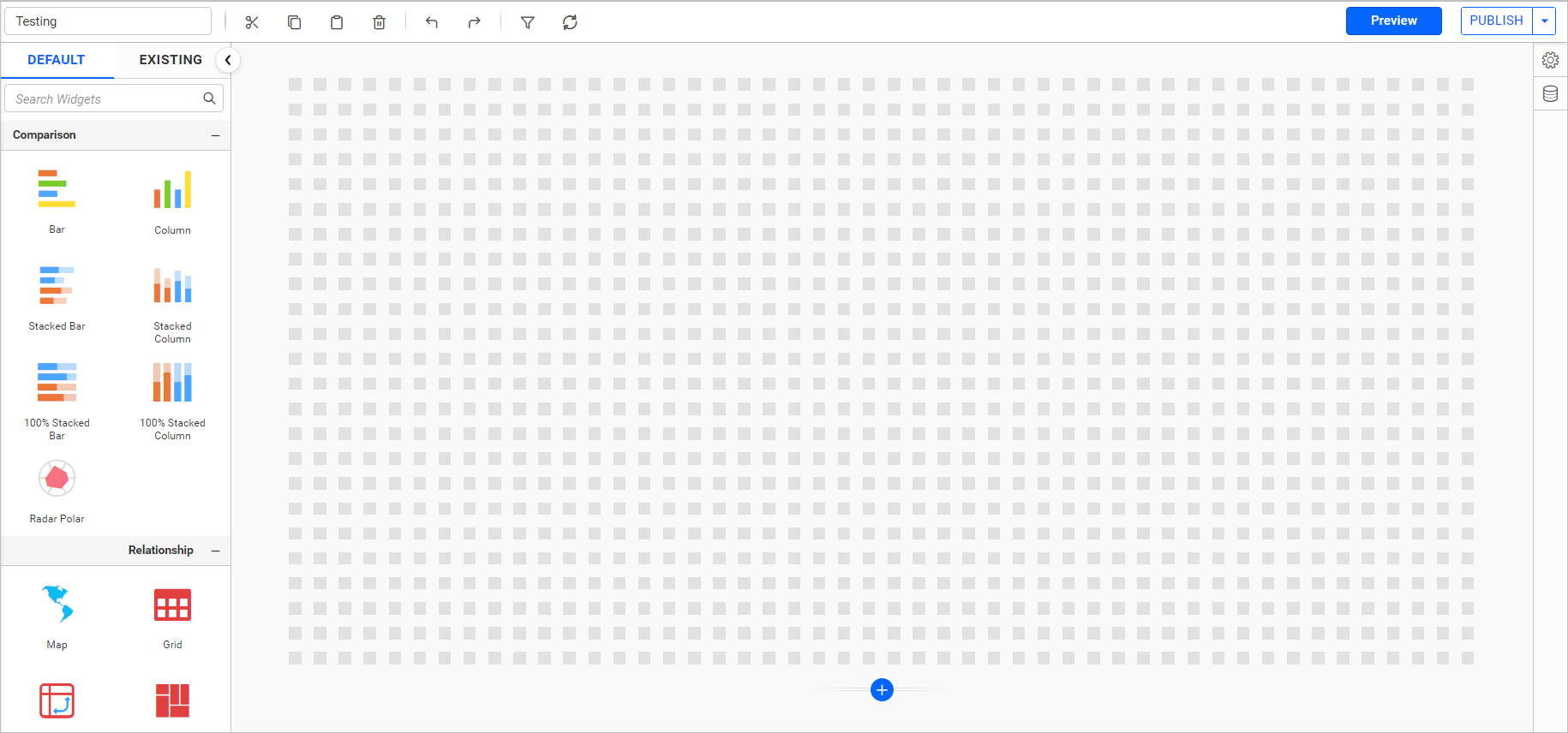
Open the web application in a browser. If a login window appears, click the login button, enter valid credentials, and the create mode dashboard designer will load automatically.
Alternatively, use an Embed Signature to securely bypass the login prompt with token-based authentication.