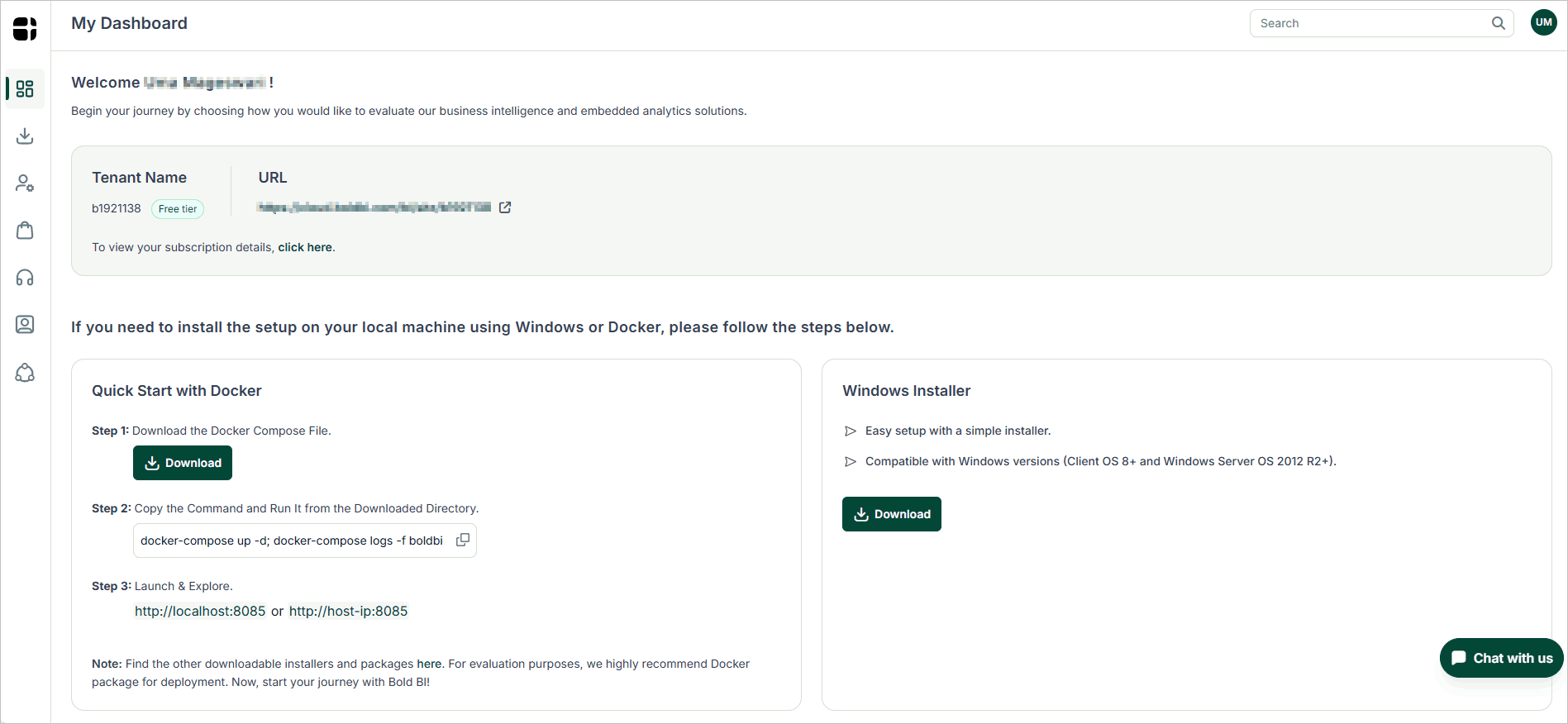
Overview and system requirements for Bold BI
Bold BI is an all-inclusive solution designed for creating, managing, and sharing business dashboards. This powerful dashboard server application allows for easy composition, management, and sharing of dashboards.
Prerequisites for Windows
Hardware requirements
The following hardware requirements are necessary to run the Bold BI Enterprise edition:
- Operating System: Windows Client 10+ | Windows Server 2022+.
- CPU: 2-core, 2.4 GHz or faster, and 32-bit or 64-bit processor.
- Memory: 8 GB RAM for 32-bit or 64-bit.
- Hard drive: 10 GB of free space (only installation files).
Software requirements
The following software requirements are necessary to run the Bold BI Enterprise edition:
- Framework: Microsoft .NET Framework 4.5
- Database: PostgreSQL 13.0+| Microsoft SQL Server 2016+ | MySQL 8.0+ | Oracle Database 19c+
- Web Server: Internet Information Services (IIS) 10.0+
- Web Browser: Microsoft Edge | Chrome | Mozilla Firefox.
Prerequisites for Linux
Hardware requirements
The following hardware requirements are necessary to run the Bold BI Enterprise edition:
- Operating System: Bold BI Linux can run on different Linux distributions. It has been verified on the following operating systems:
- Ubuntu 20.04+
- Cent OS Stream 9+
- Oracle Linux 9.2+
- Red Hat Enterprise Linux (RHEL) 9.3+
- CPU: 2-core.
- Memory: 8 GB RAM.
- Disk Space: 10 GB or more.
Software requirements
The following software requirements are necessary to run the Bold BI Enterprise edition:
- Database: PostgreSQL 13.0+| Microsoft SQL Server 2016+ | MySQL 8.0+ | Oracle Database 19c+
- Web Server: Nginx or Apache
- Web Browser: Mozilla Firefox | Chrome | Microsoft Edge.
Registration and Download Process:
-
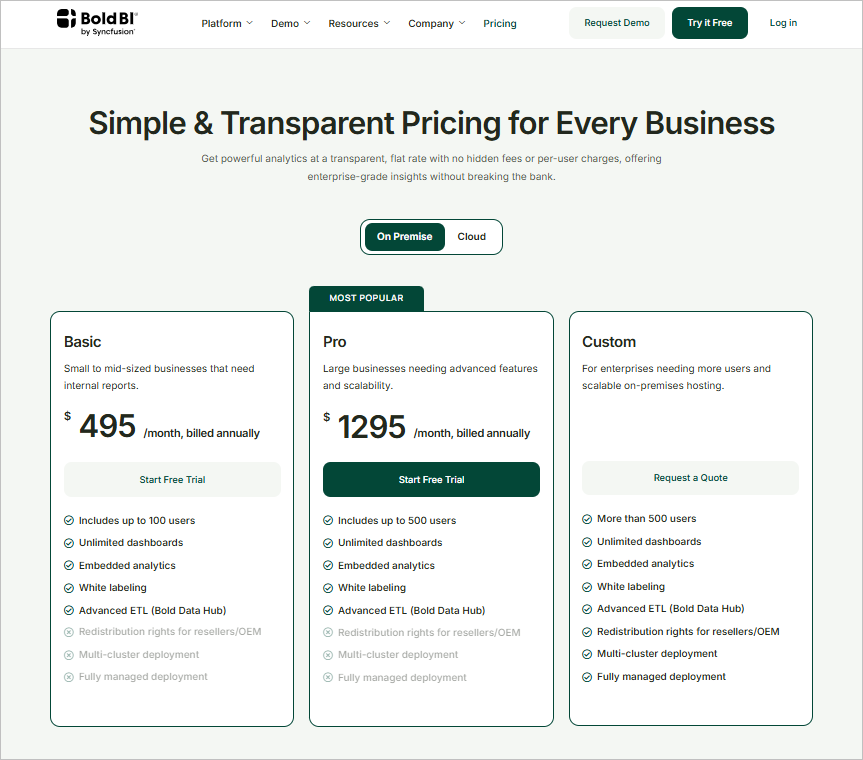
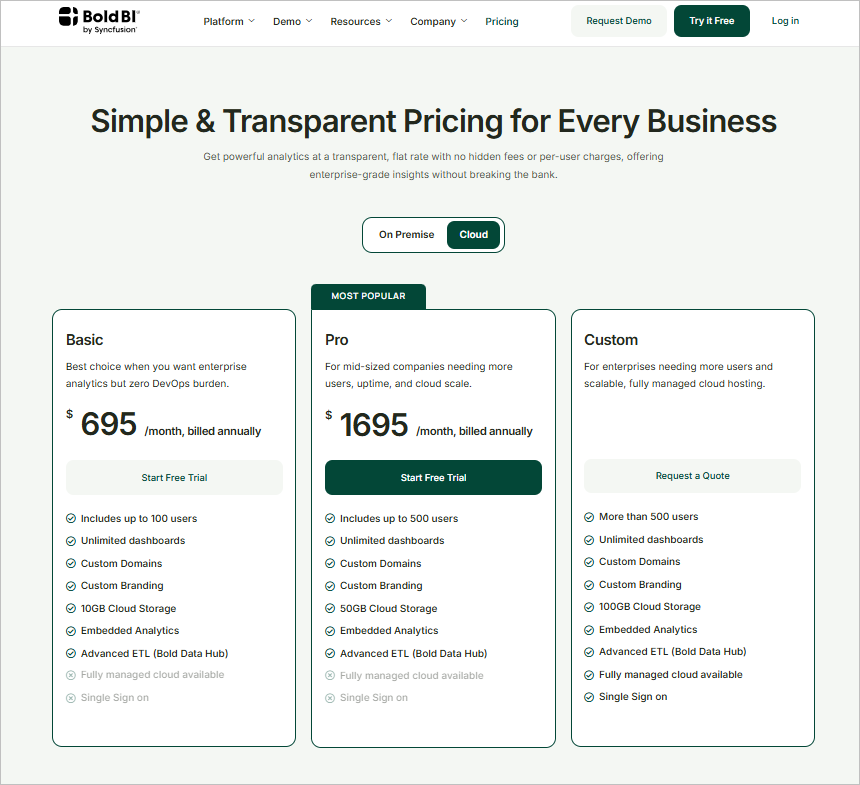
Visit the Pricing Page to register and download the Bold BI Enterprise application, where you can view two types of plans. The platform offers simple and transparent pricing tailored to every business need. You can choose between:
-
On Premise - Deploy within your own infrastructure for full control over data and environment security.
-
Cloud - Access and scale easily with cloud services, focusing on efficient, hardware-free analytics.
-
-
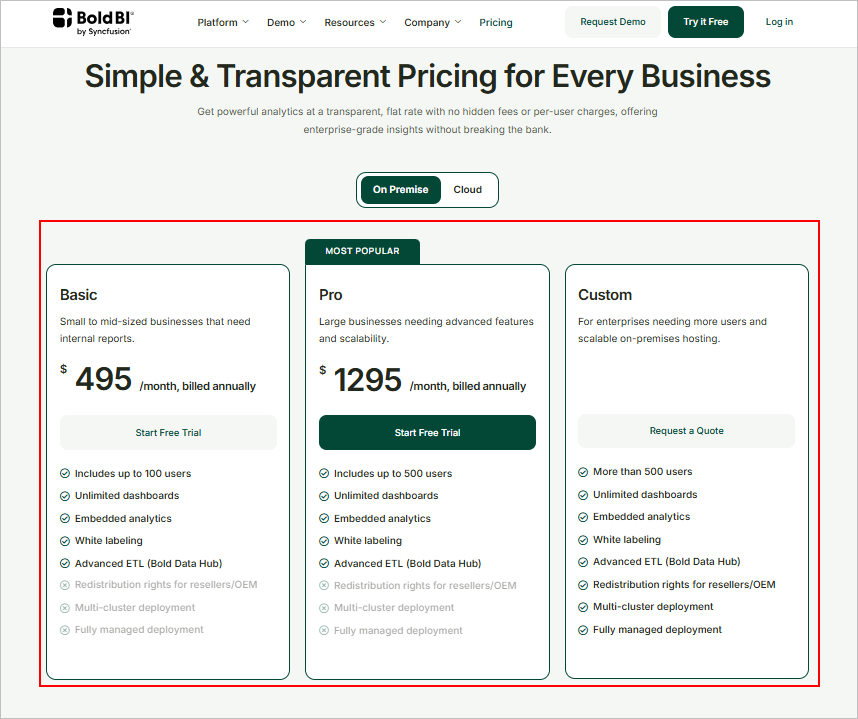
Based on your selected plan, you can view the cost details in the plan summary:
-
To start a new trial, select
Start Free Trial.
-
Click
Start with Bold BIto sign up using Google, Microsoft, or Syncfusion, or enter your details manually to begin your free 30 day trial and agree to the terms.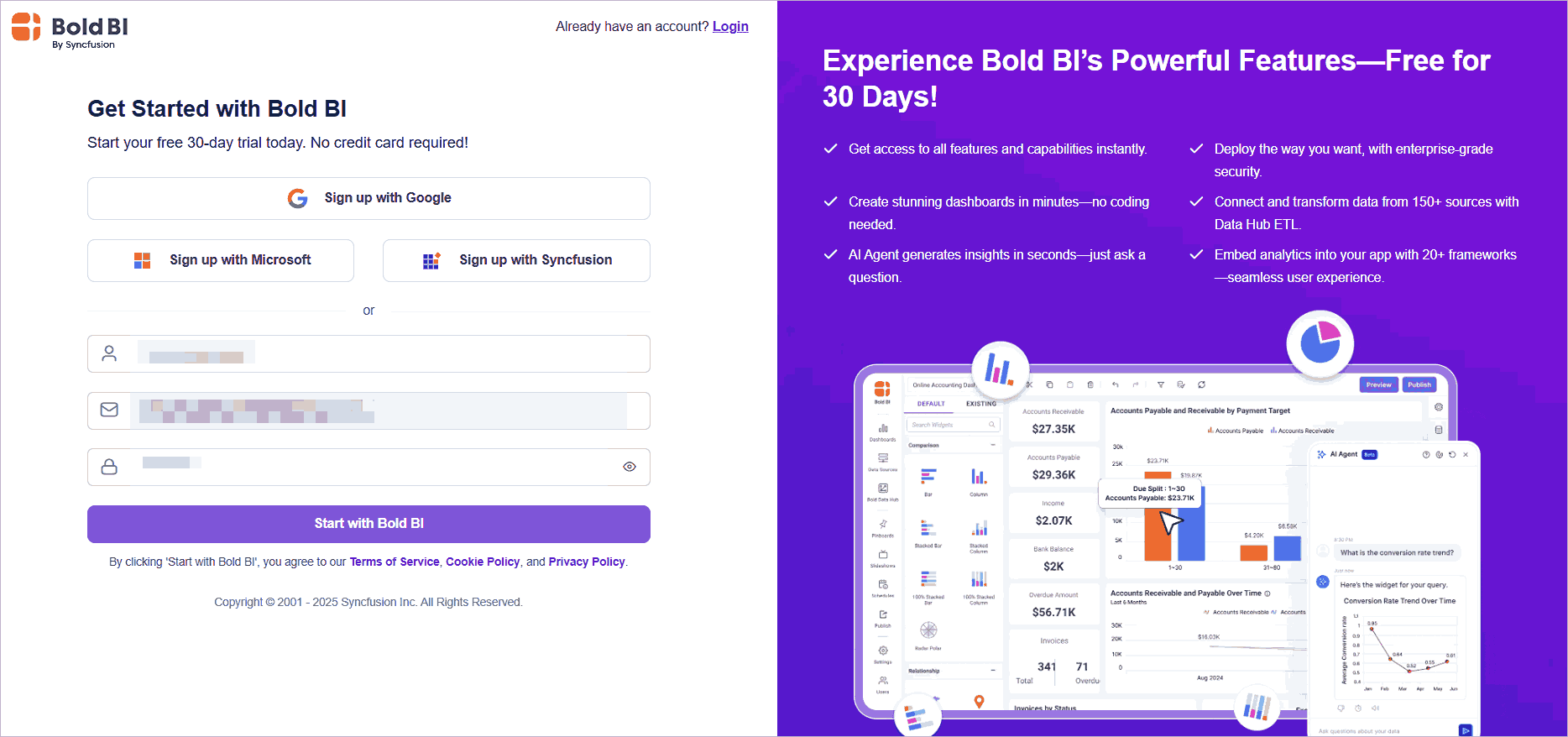
-
Simultaneously, you will be redirected to the next page. You can automatically retrieve account information for your name and email ID. Entering your work email address and company is optional. Then, click
Proceed to complete.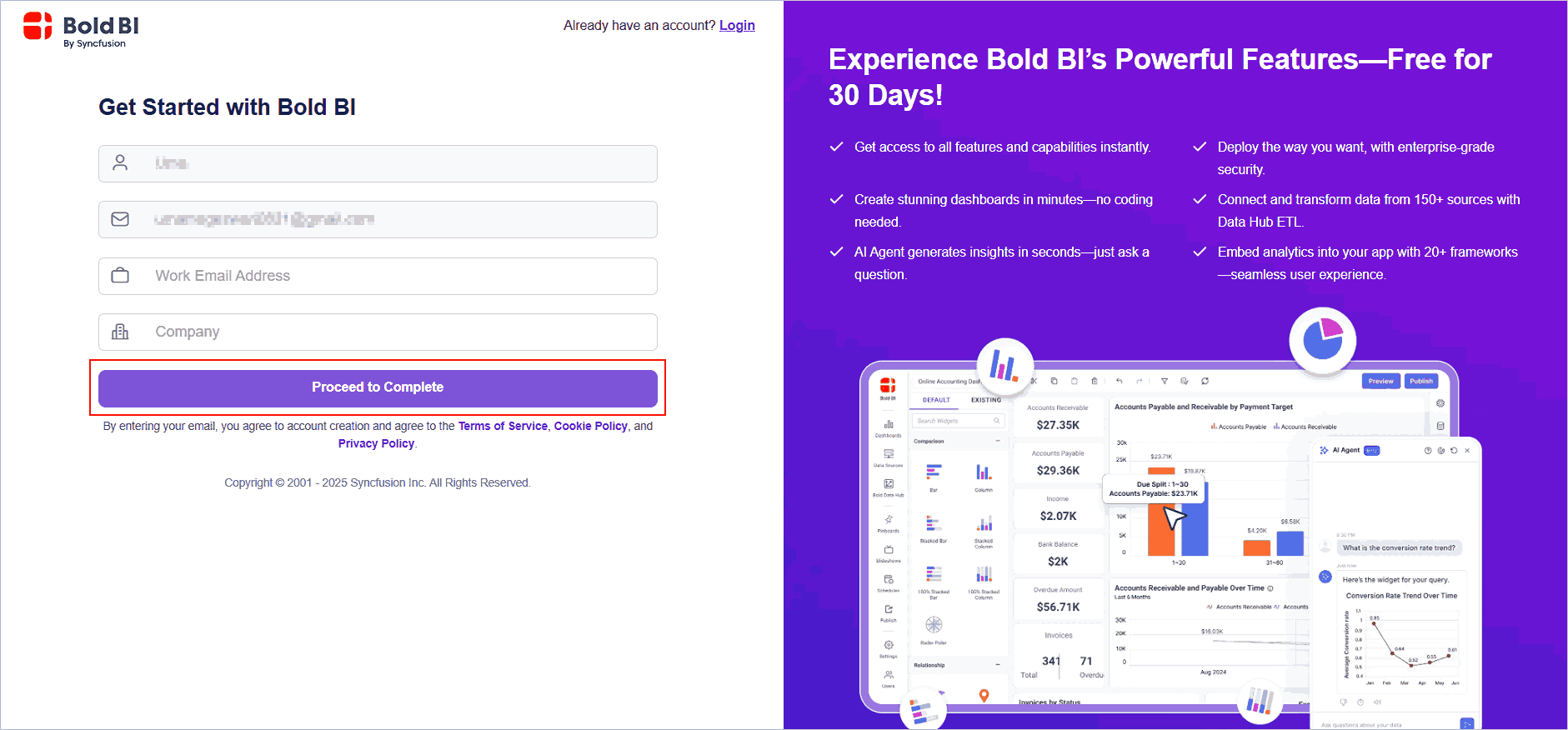
-
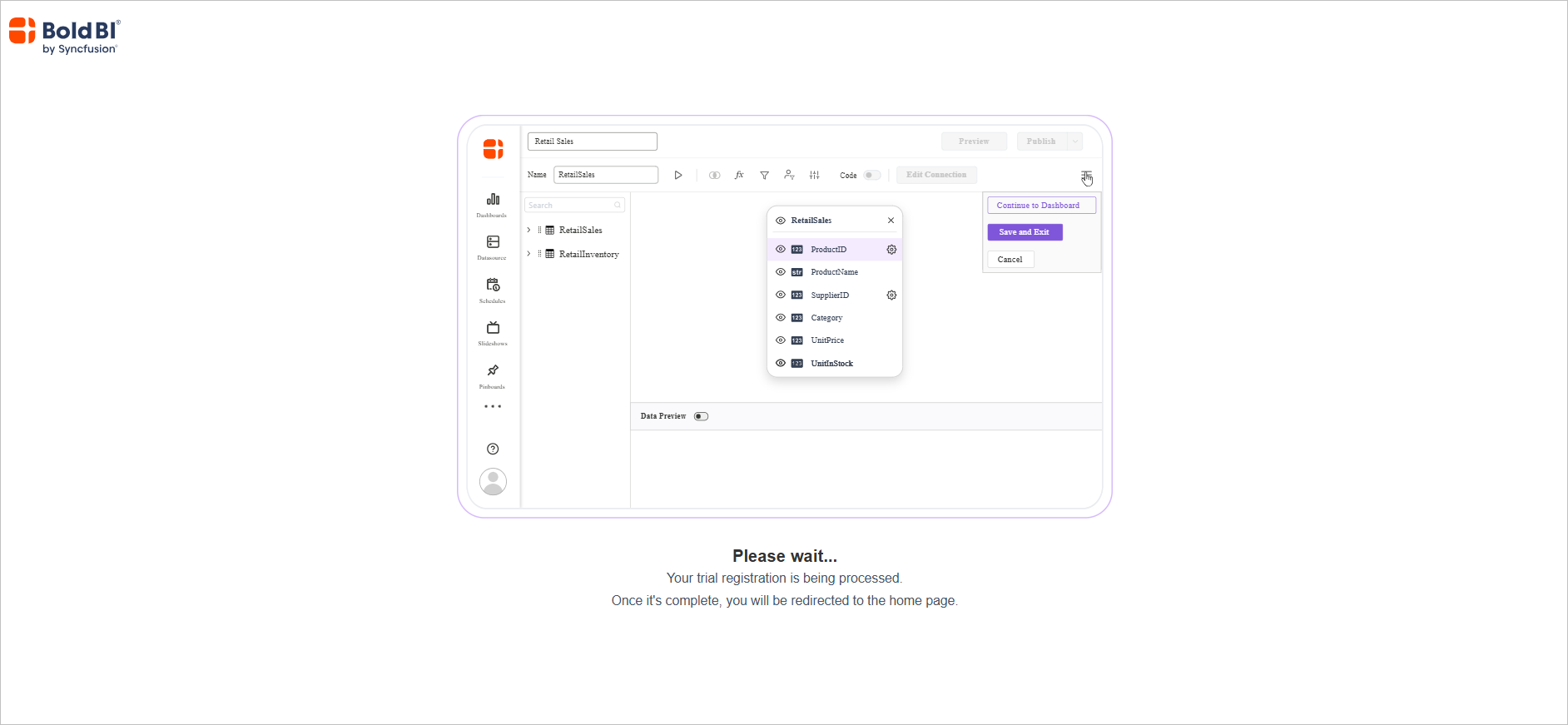
Wait for the trial registration to complete.
-
You’ll be redirected to the
Cloud BI Dashboard pageto explore Bold BI’s features, where you can explore and manage your dashboards.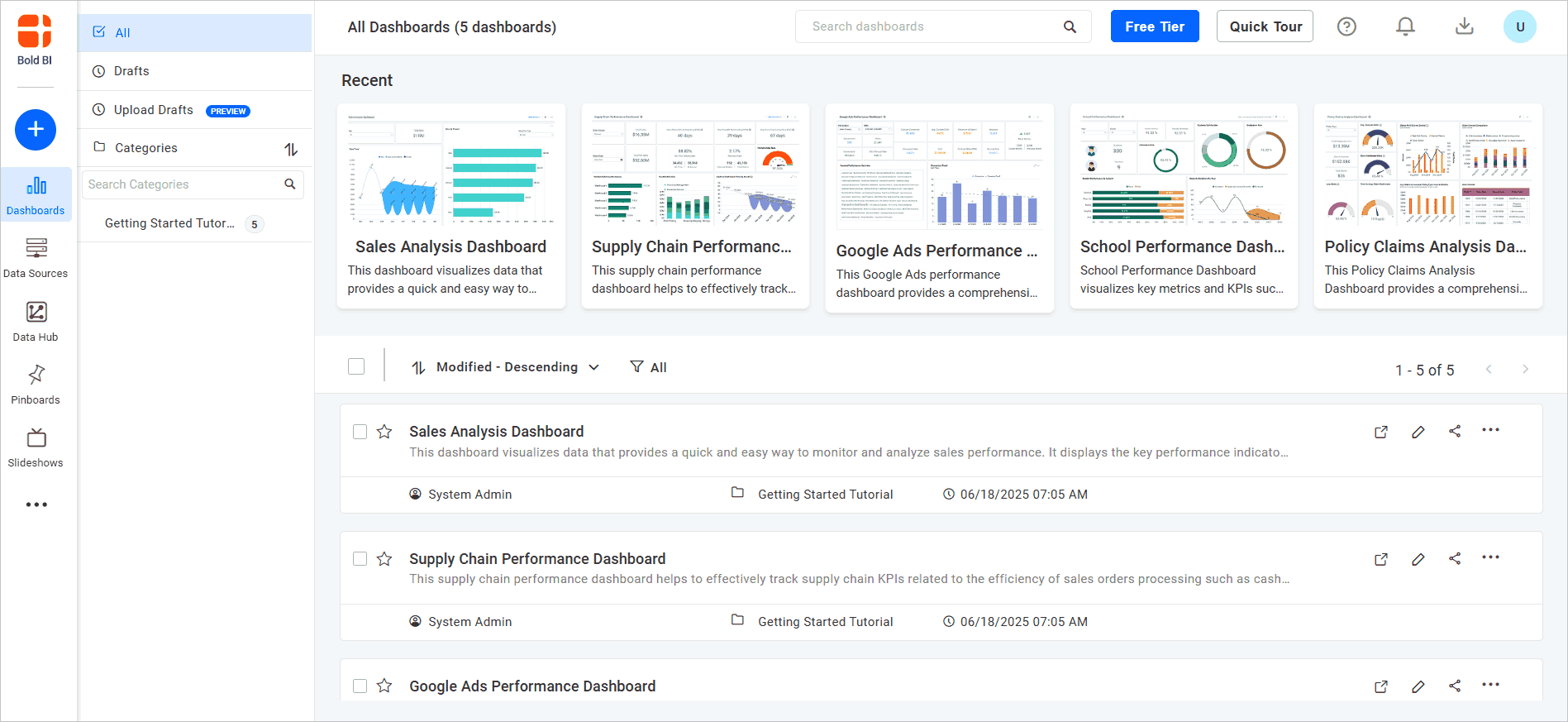
-
Click on your profile icon at the top right, then select View Account to navigate to the account management page.
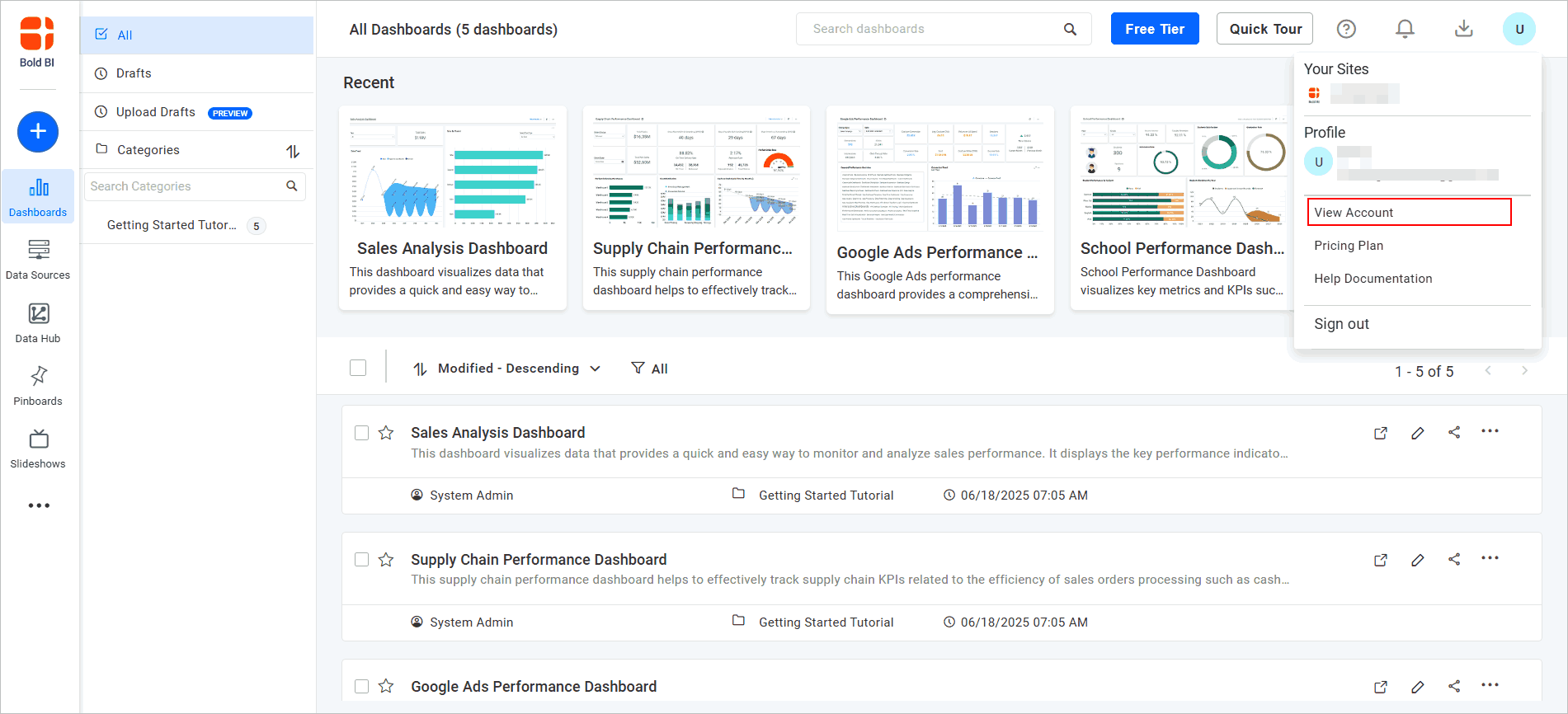
-
You will now be redirected to the downloads page. To download and install Bold BI from this page, choose the file type and click the
Downloadicon.